Getting Started
Learn how to create an account, log in, and navigate the dashboard in RedERP.
Welcome to RedERP
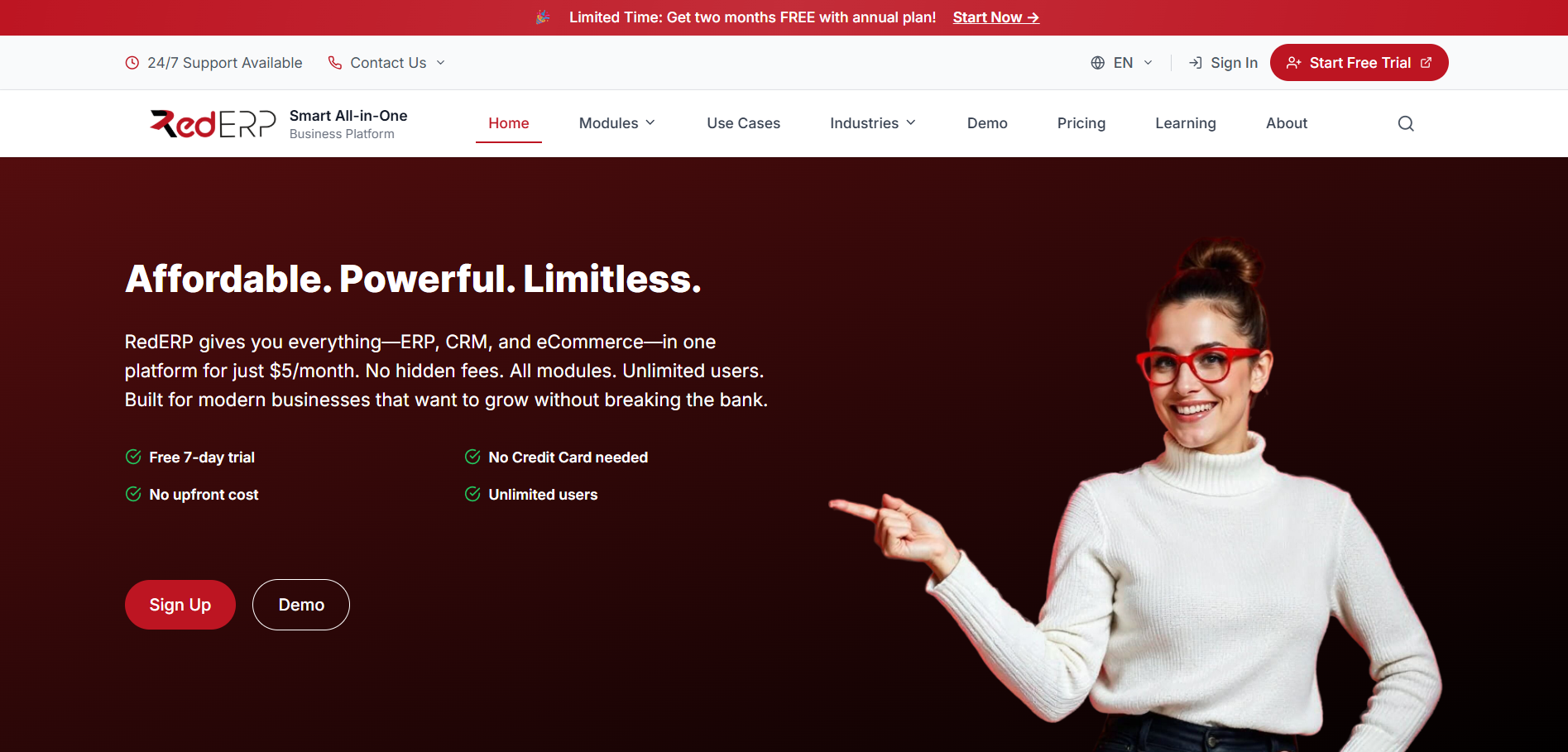
RedERP is an affordable all-in-one ERP, CRM, and eCommerce platform for small and growing businesses. This user guide covers sales, inventory, HR, manufacturing, POS, and more.
Whether you're a small business owner or part of a larger team, this guide will help you get up and running quickly without dealing with complex setups.
Your Account
Create an account and sign in with an email code, a password, or an SMS code.
Main Interface
Understand the key elements of your dashboard.
Why RedERP?
RedERP simplifies product management with intuitive interfaces for categories, settings, and reporting. It's scalable, secure, and easy to customize—no lock-in to specific workflows.
Use it for:
- Inventory Tracking – Add and categorize products effortlessly.
- Business Insights – Dashboards and reports at a glance.
- User Management – Secure sign-in and personalized settings.
Core Steps to Begin
| Step | Description |
|---|---|
| Sign Up | Verify your email or mobile number — your workspace is created instantly. |
| Sign In | Use an email code, a password, or an SMS code. |
| Dashboard | Explore widgets and start managing products. |
Navigation is on the left. Jump to sections using the table of contents on the right.
Start with the Sign In & Sign Up guide.
Support
Got questions? Reach out via: