Sign In
Log in to your RedERP account securely.
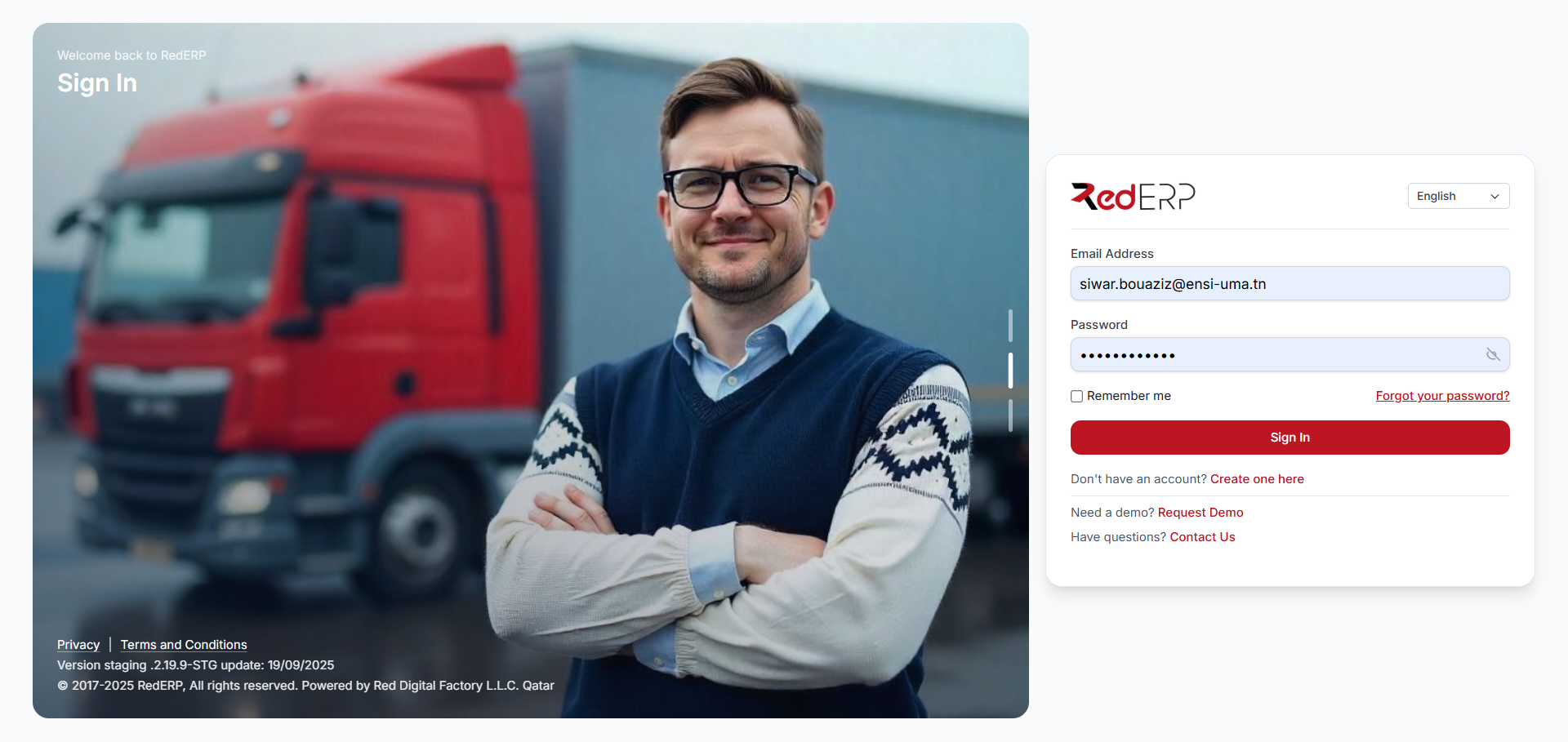
Accessing Your Account
Sign In to RedERP provides secure entry to your dashboard, products, and settings. Built with best practices in authentication.
Ideal for daily use, whether on desktop or mobile, ensuring your data is protected.
Basics
Enter Credentials
Use email/username and password.
Recovery
Forgot Password
Reset via email link.
Options
Stay Signed In
For trusted devices.
How to Sign In
Steps for logging in:
- Navigate to Page – Visit the sign-in URL.
- Input Details – Enter your credentials.
- Troubleshoot if Needed – Use recovery options.
Use it for:
- Daily Operations – Access dashboard quickly.
- Security Checks – Monitor sessions.
- Integration – Link with other tools.
Common Tips
| Issue | Solution |
|---|---|
| Invalid Login | Check spelling or reset password. |
| Locked Account | Contact support after attempts. |
| Mobile Access | Ensure browser compatibility. |
Proceed to sign in and explore.
Support
Reach out via: