About Data Management
Learn how to manage your core business data in RedERP — including products, clients, suppliers, and company information.
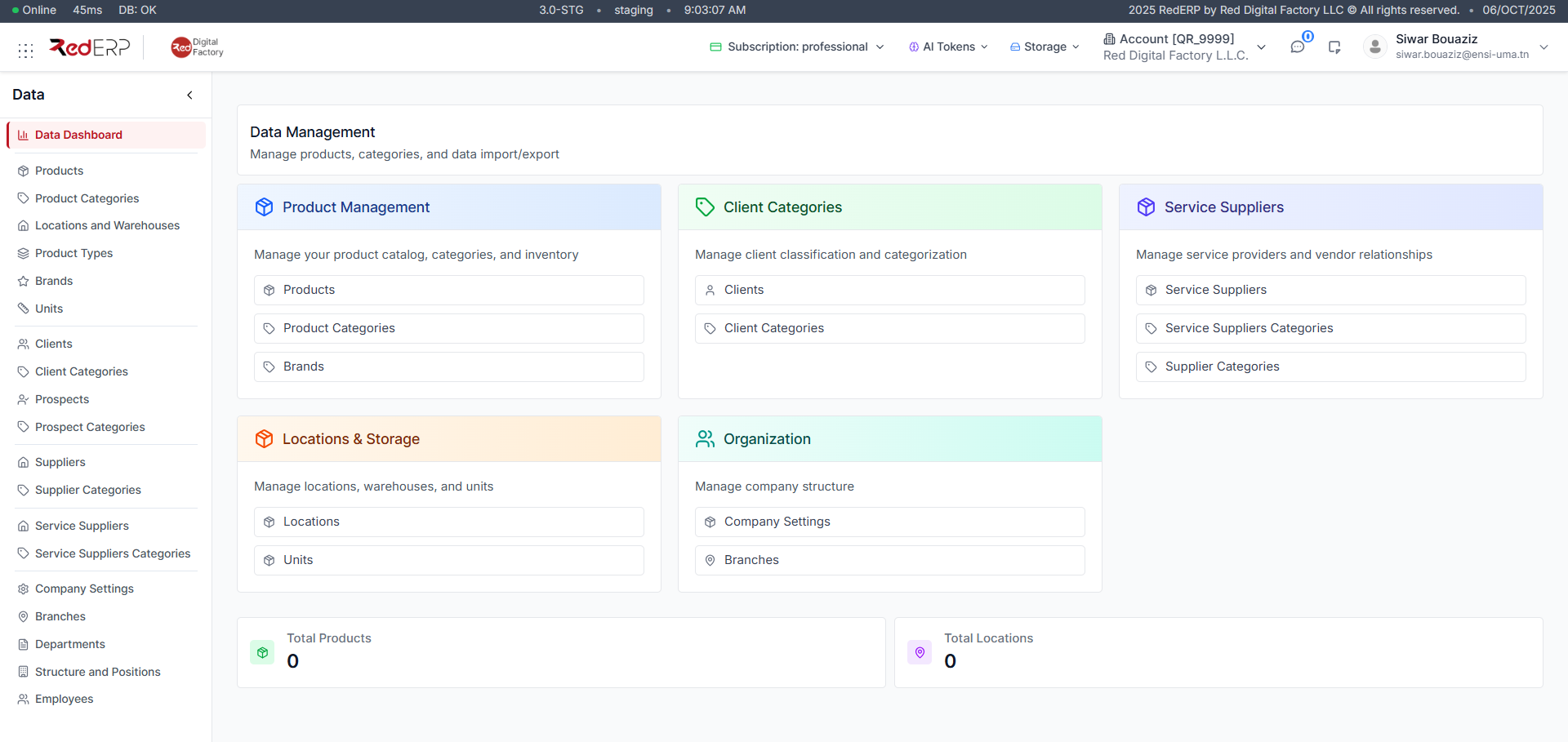
Overview
The Data Management module in RedERP centralizes all your business data. From products and categories to clients, suppliers, and company details — everything starts here.
Maintain accurate, up-to-date information to ensure smooth operations across your ERP system.
Manage your product catalog and inventory.
Organize your products by category.
Associate products with brands for easier filtering.
Add and manage your business clients.
Classify clients into categories for reporting.
Track service providers and external vendors.
Organize suppliers into groups for management.
Define warehouses and storage locations.
Set up units of measurement for your products.
Configure company information and defaults.
Manage your company branches and structure.
Import & Export
RedERP allows you to import or export data (e.g., products, clients, or suppliers) in CSV format for faster setup or migration.
- Import → Upload structured files to add multiple entries at once.
- Export → Download your data for analysis, reports, or backups.
Tips
| Tip | Description |
|---|---|
| Keep data consistent | Use clear naming conventions for products and categories. |
| Review regularly | Update inactive clients or suppliers every quarter. |
| Use categories wisely | Helps improve reporting and dashboard accuracy. |