Meetings & Resolutions
Schedule governance meetings, record attendees and quorum, and maintain formal resolutions.
Overview
Meetings provide the context for governance activity. Resolutions record decisions and their implementation status.
Meetings
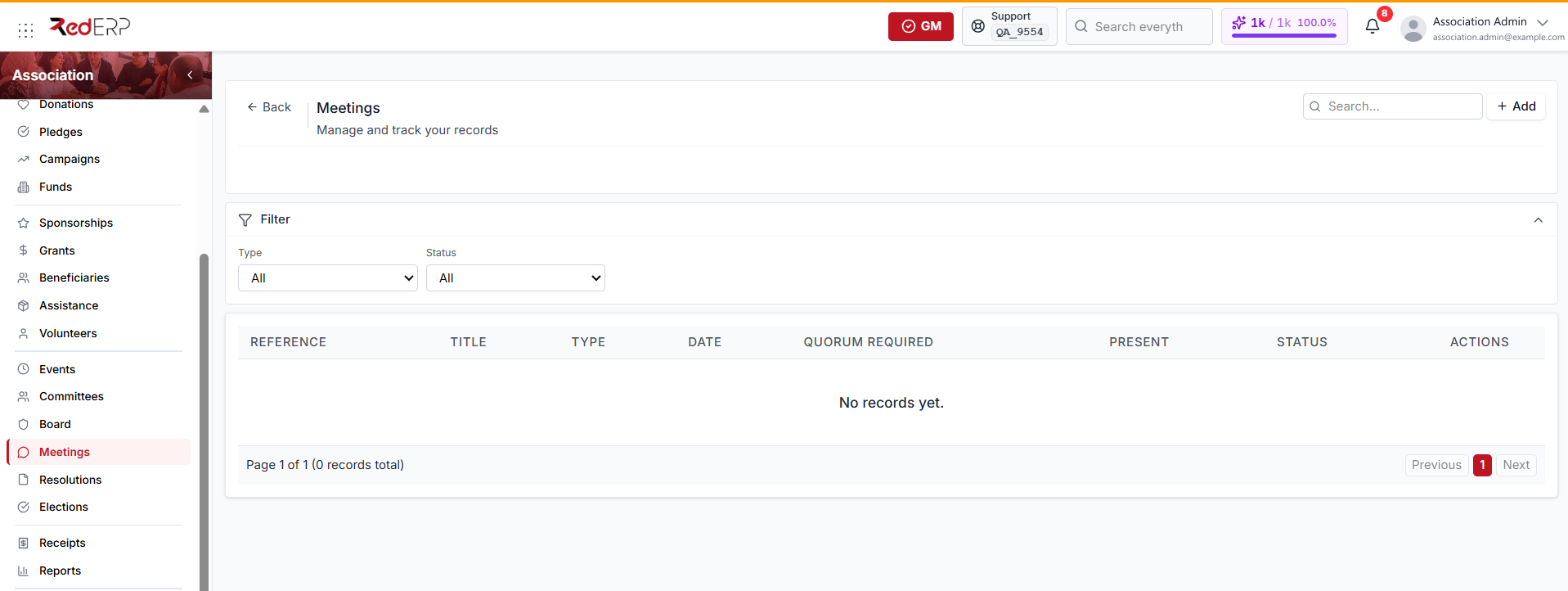
Meeting types are Board, Committee, General assembly, Extraordinary, and Other.
- Open Association → Meetings and select Add.
- Choose the meeting type and related committee when applicable.
- Enter the title, date, location, agenda, minutes, decisions, and notes.
- Enter the required quorum and choose Planned, Held, or Cancelled.
- Save the meeting.
- Open the attendee section and add members.
- Mark each attendee as present, then update the minutes, decisions, and meeting status.
Accurate attendance is important for determining whether the meeting could validly make decisions.
Resolutions
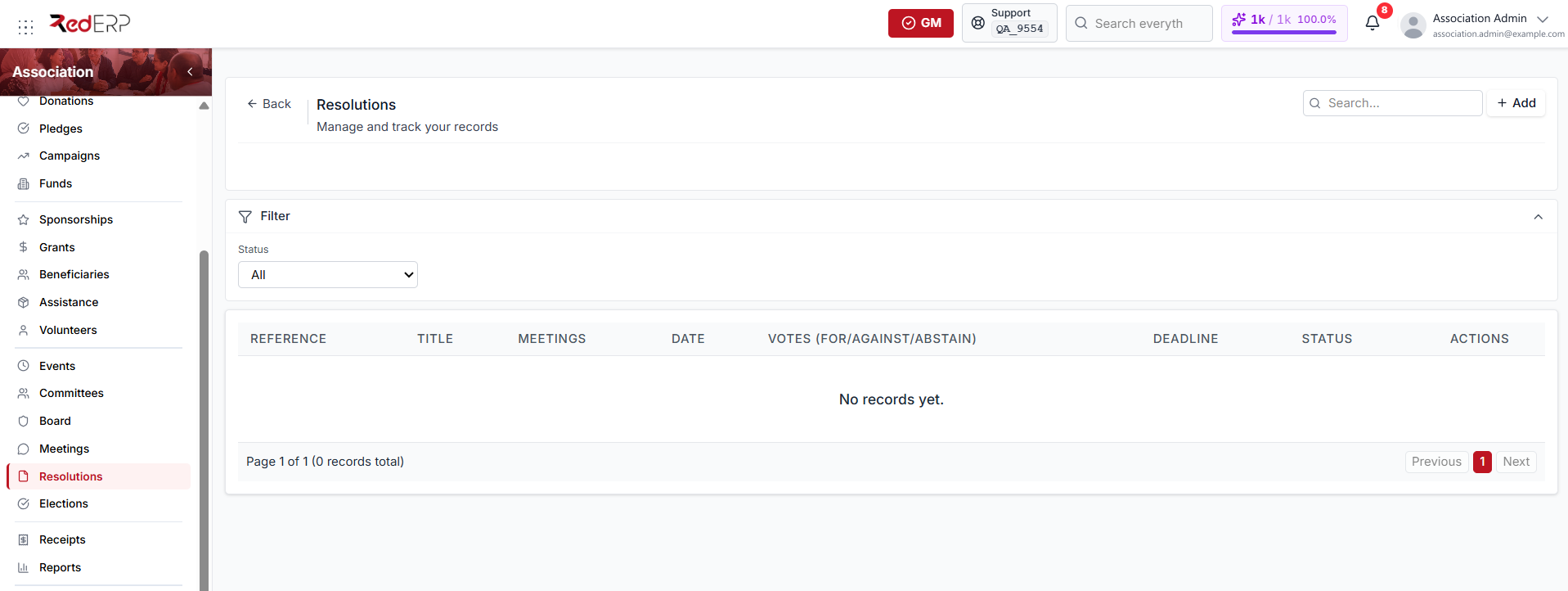
- Open Association → Resolutions and select Add.
- Choose the meeting that adopted the resolution.
- Enter the title, full text, and resolution date.
- Record votes for, against, and abstaining.
- Choose Proposed, Approved, Rejected, In progress, or Completed.
- Add a deadline and responsible member.
- Save.
Use one record per formal decision. Keep implementation notes current until the action is complete.
Governance trail
A complete trail should connect:
- The elected or appointed board and committee members
- The scheduled meeting and attendees
- The agenda and quorum result
- The adopted resolution
- The responsible person and implementation deadline
- The final completion evidence