Analytics
Fleet cost analysis, driver costs, and fuel efficiency reports.
Overview
Use Analytics for running-cost reports. Path: /modules/fleet/analytics. The page is read-only tables — there is no create drawer.
Reports
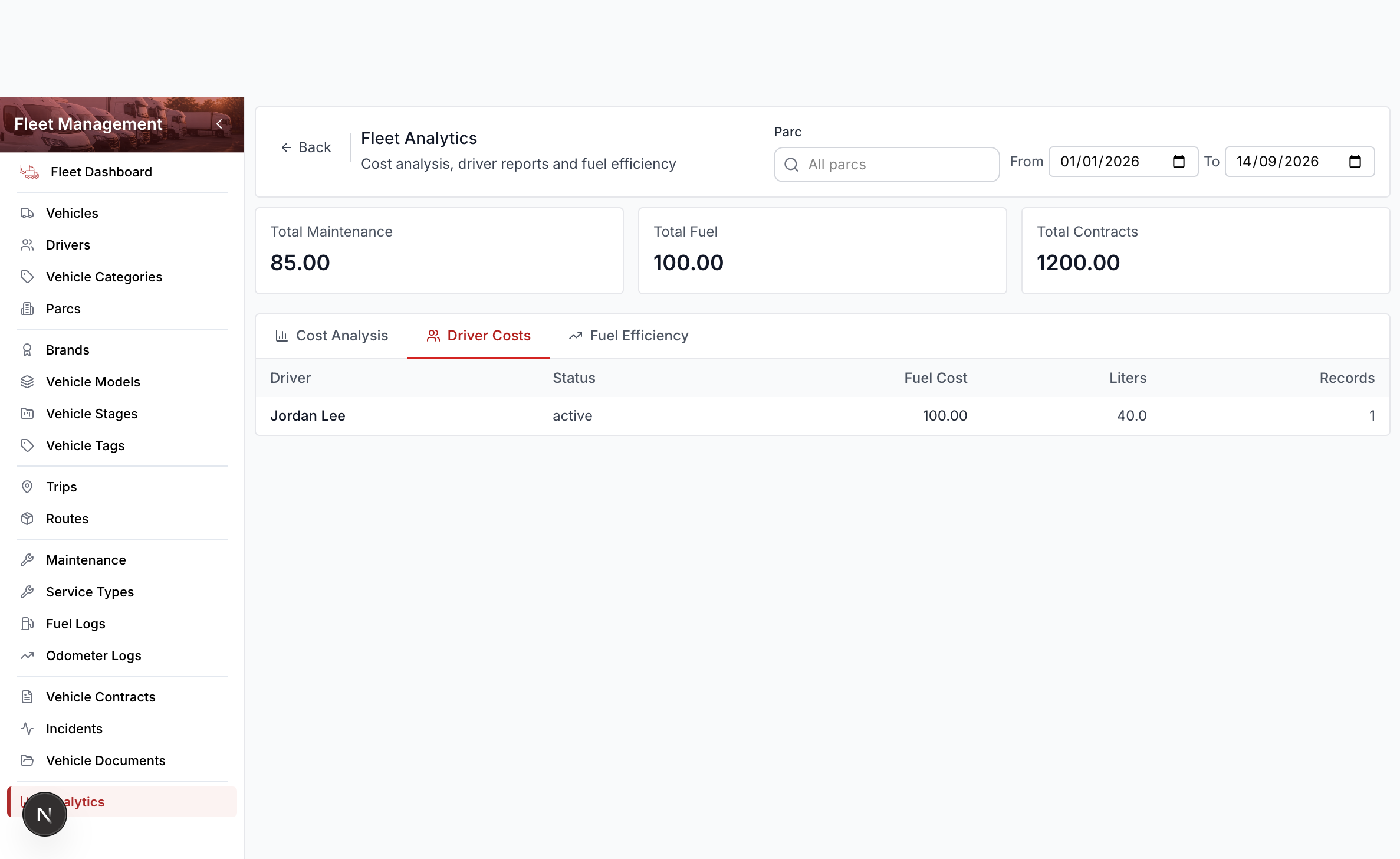
Three tabs:
| Tab | What it shows |
|---|---|
| Cost Analysis | Maintenance, fuel, and contract spend, grouped by vehicle, driver, or parc |
| Driver Costs | Fuel spend and liters by driver |
| Fuel Efficiency | Liters, distance, and L/100 km by vehicle |
Filter the report
- Open Fleet Management → Analytics.
- Set the date range.
- Search and select a parc when you want one depot only.
- On Cost Analysis, choose group by vehicle, driver, or parc.
- Switch tabs for driver costs or fuel efficiency.
Fuel and completed maintenance with a cost feed these totals when those records exist.