Incidents
Record and close fleet accidents and damage reports.
Overview
Use Incidents for accidents and damage. Path: /modules/fleet/incidents.
Incidents list
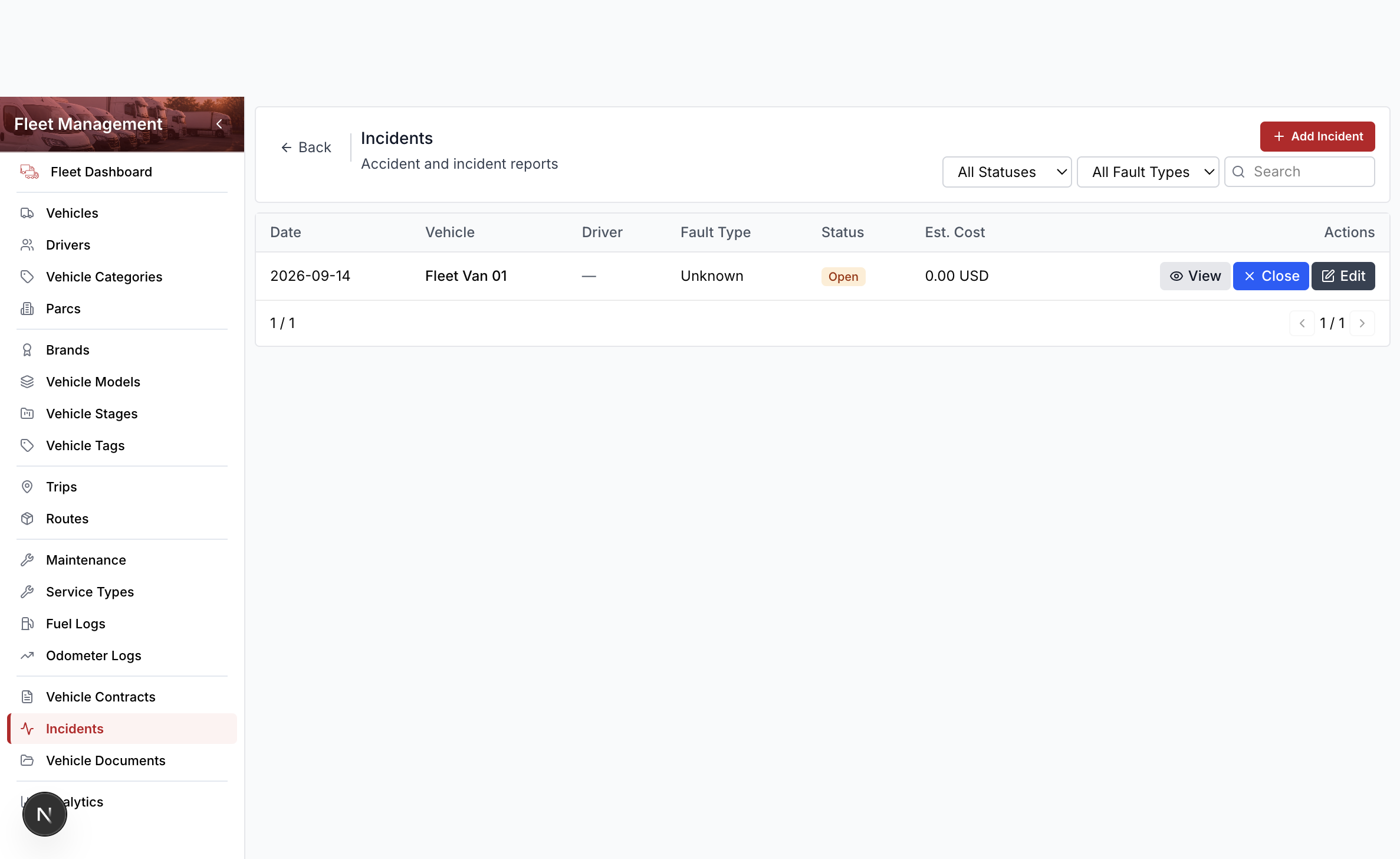
Columns include date, vehicle, fault type, and status. Row actions are View, Close, and Edit. Delete lives in the edit drawer footer.
Add an incident
- Open Fleet Management → Incidents.
- Select Add Incident.
- Search and select the vehicle.
- Enter the date and a description (for training use a dummy note).
- Set fault type (unknown, driver fault, no fault, or third party).
- Select Save.
Close an incident
- Open the row Close action (or Close in the view header).
- Enter a final cost if you have it.
- Select Confirm Close.
Open incidents appear on the Fleet dashboard.