Jobs
Create job openings, publish a public apply link, and close the role.
Overview
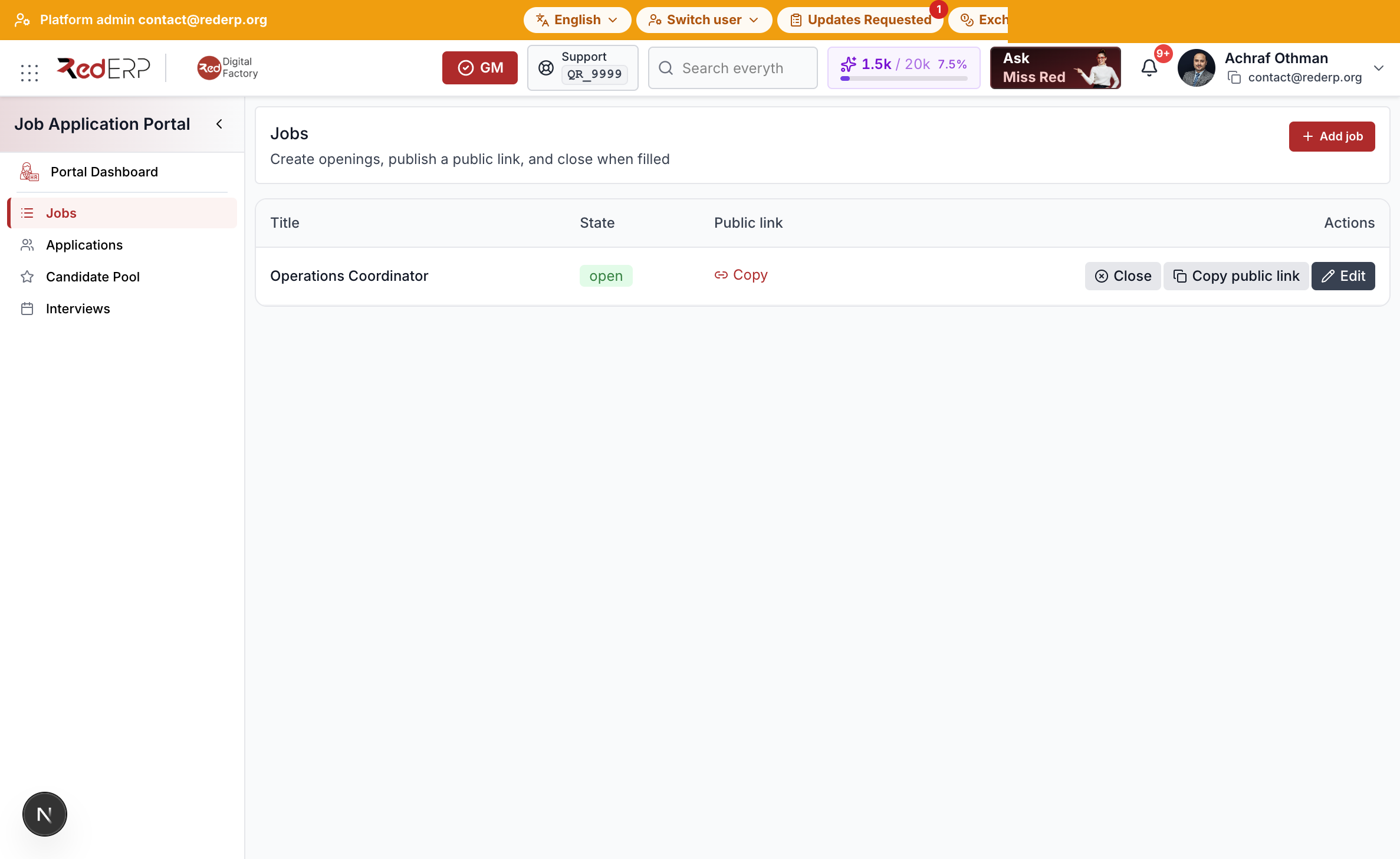
Jobs at /modules/jobs/openings is the requisition list. The same rows appear under Human Resources job openings.
Create and publish
- Open Job Application Portal → Jobs.
- Select Add job.
- Enter title, description, and requirements (the scorer reads these).
- Set a pool score threshold (default 70).
- Select Save.
- Select Publish. The job state becomes open and a
public_tokenis created. - Select Copy public link. The URL is
{origin}/public/jobs/{token}.
Close the job when hiring stops. Draft and closed tokens return 404 on the public page.