Applications
Review applications sorted by AI match score, rescore, and add people to the pool.
Overview
Applications at /modules/jobs/applications defaults to AI score descending (empty last). Training screens use dummy addresses such as applicant@example.com and jordan.lee@example.com.
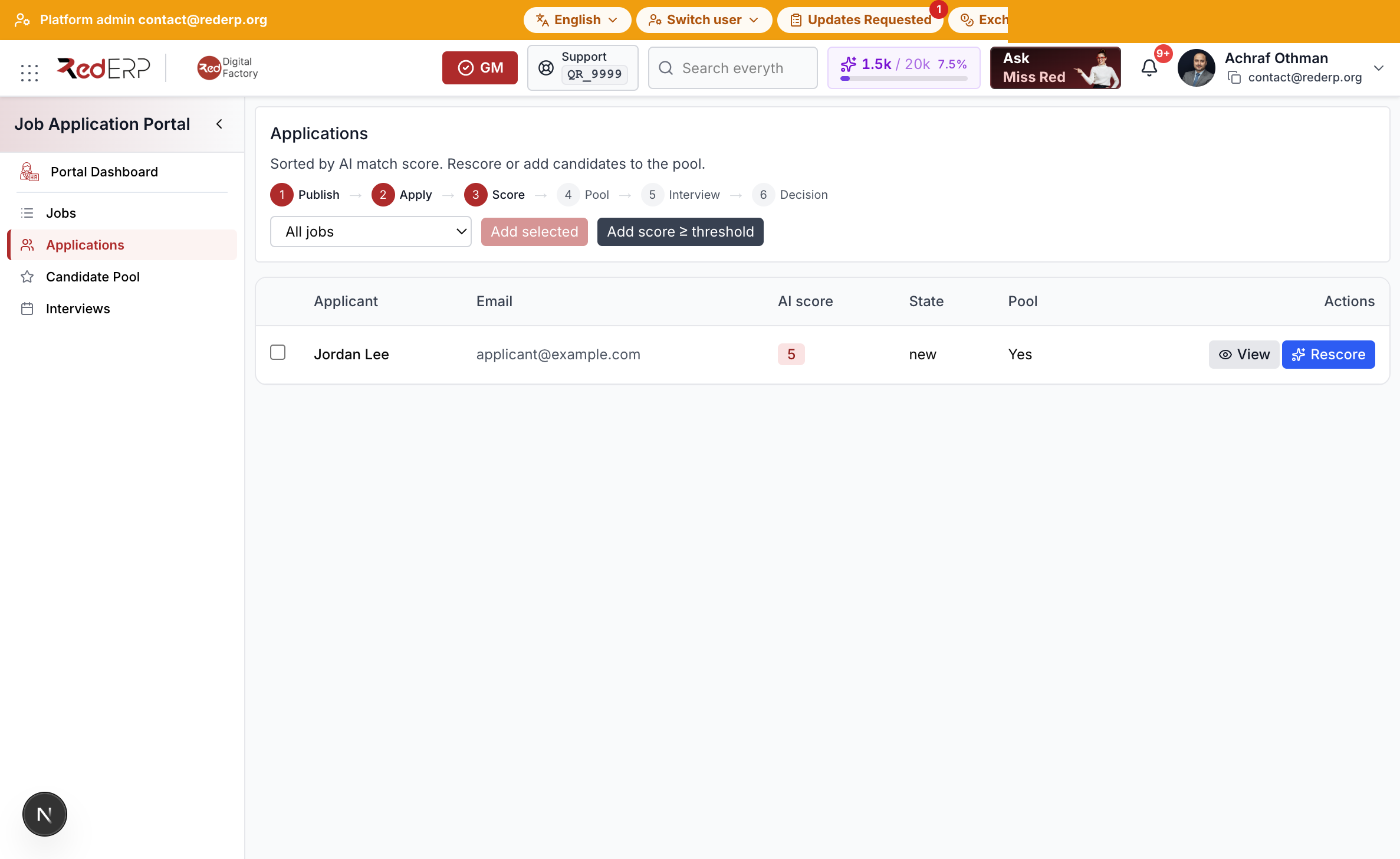
Score and pool
- Open Applications.
- Filter by job if needed.
- Select Rescore when the first score is empty or the job text changed.
- Select rows and Add selected, or Add score ≥ threshold.
- Open View to apply a decision: offer, hold, refuse, or hire.
Refuse and hire call the same Human Resources actions so the recruitment kanban stays aligned.