Public apply
Careers board and the public job apply form (no ERP sign-in).
Overview
Candidates never open the ERP. They use /public/careers/{accountSlug} and /public/jobs/{token}.
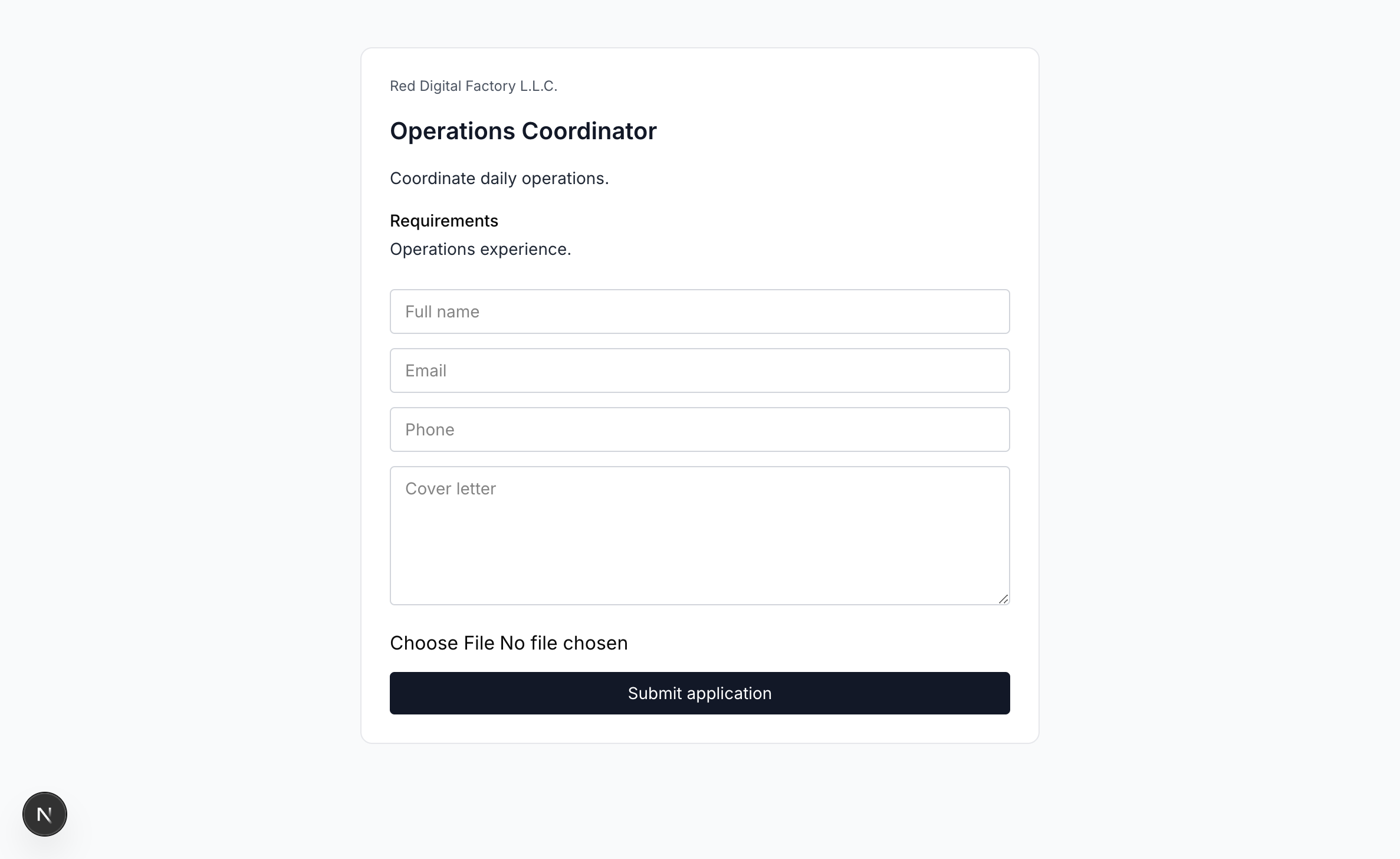
Apply
- Publish a job and copy the public link.
- Open the link (or the careers board, then Apply).
- Enter name, email, phone, cover letter, and an optional resume.
- Submit. A confirmation is emailed when SendGrid is configured.
- The same email + job is rejected while a non-refused application exists.
Closed or draft tokens show that the job is not available. Use dummy people only in training (Jordan Lee, applicant@example.com).