Interviews
Send interview invites and mark complete, cancelled, or no-show.
Overview
Interviews at /modules/jobs/interviews lists scheduled conversations. The To field on training screens is always an example.com address such as applicant@example.com.
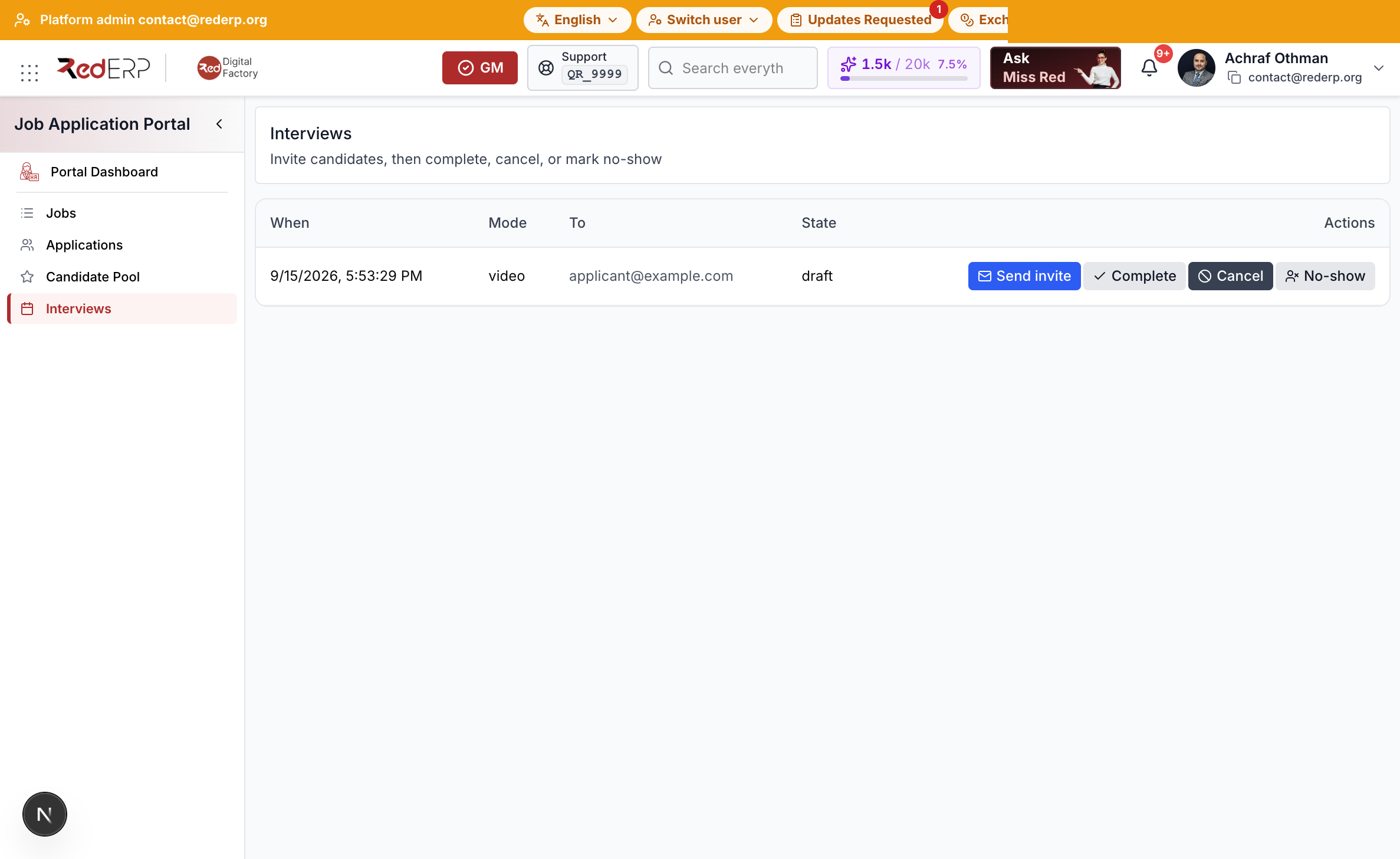
Send an invite
- Create the interview from the pool (or Applications after pool).
- Open Interviews.
- Select Send invite. SendGrid sets
email_sent_atand state sent. - After the meeting, select Complete, Cancel, or No-show.
- Record the decision on the application: offer, hold, refuse, or hire.
If mail cannot be delivered, check email_sent_at and server logs. Do not use a real inbox in documentation screenshots.