Beneficiaries & Assistance
Register beneficiaries and control assistance requests from review and approval through distribution.
Overview
Beneficiary profiles identify the people or households served by the association. Assistance records document what was requested, approved, and distributed.
Beneficiaries
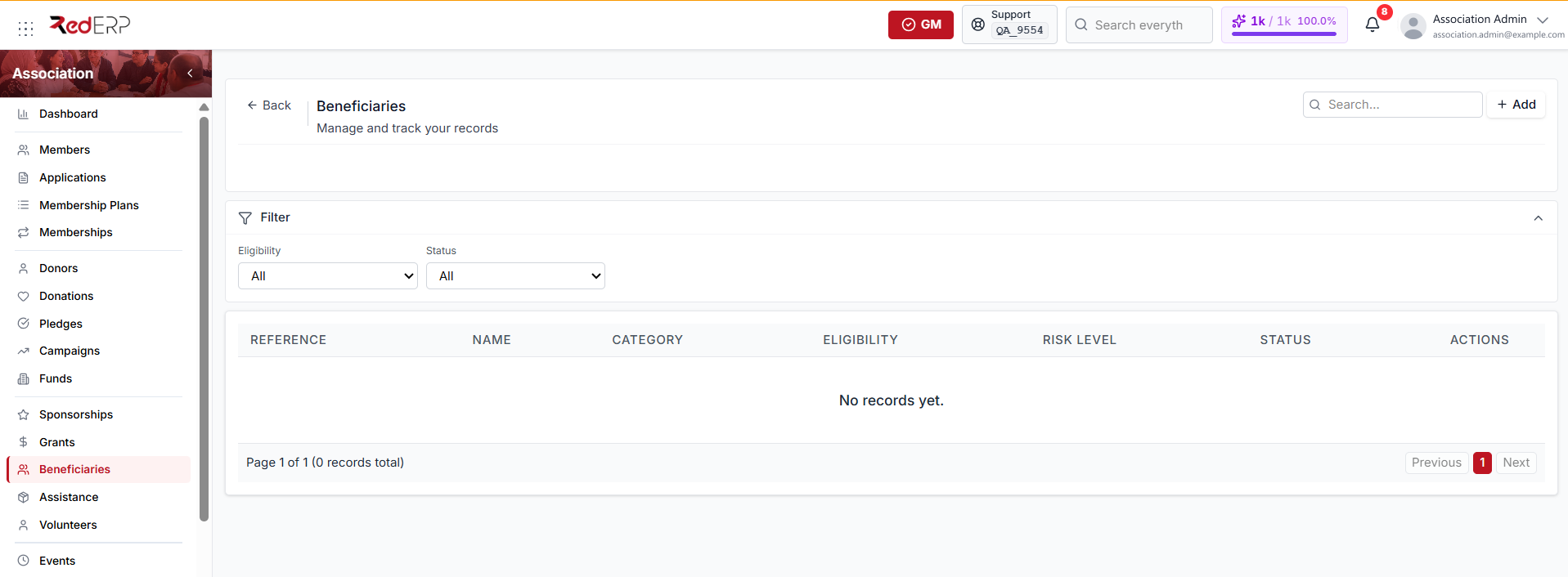
- Open Association → Beneficiaries.
- Select Add.
- Enter the beneficiary's name, ID number, email, phone, address, and household details.
- Add the category, eligibility status, and risk level.
- Record consent, needs assessment, required support, and confidential notes.
- Save.
Keep one profile per beneficiary so assistance history can be reviewed over time.
Assistance requests
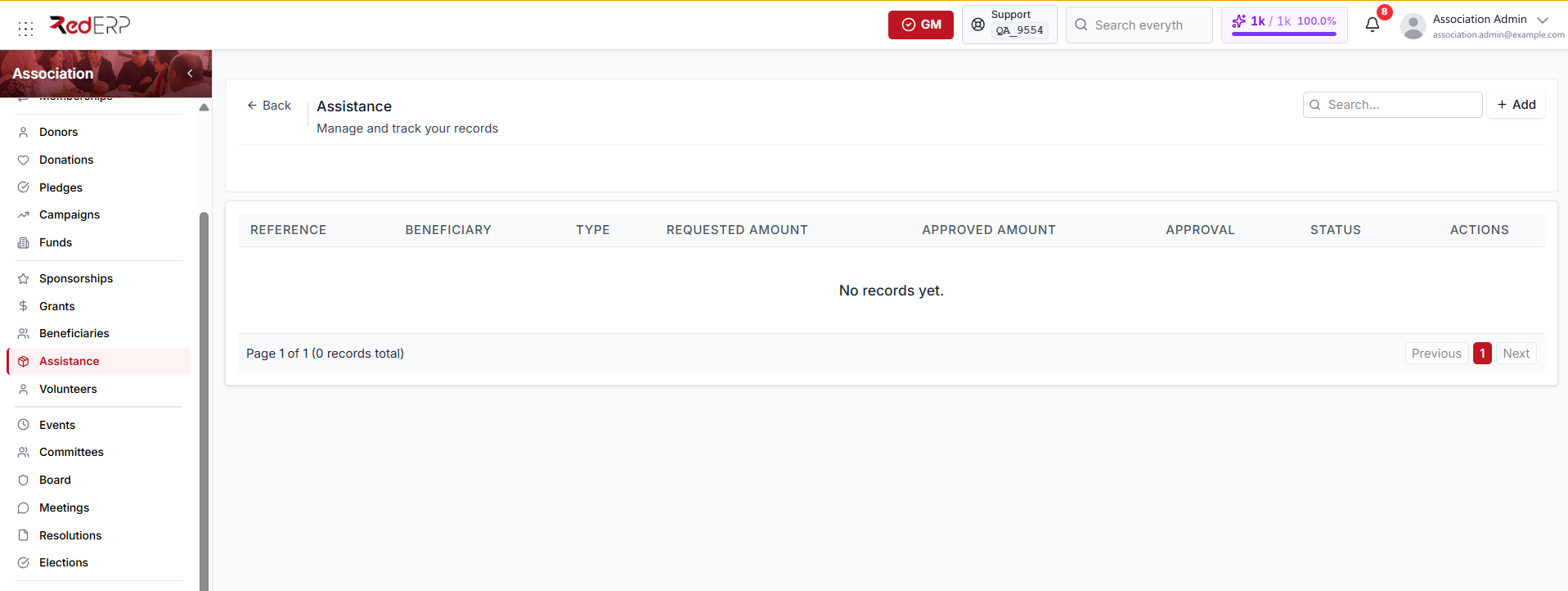
Assistance types include:
- Financial
- In-kind
- Medical
- Educational
- Emergency
- Other
Process assistance
- Open Association → Assistance and select Add.
- Choose the beneficiary and assistance type.
- Enter the requested amount, funding source, campaign, delivery method, description, and notes.
- Save the request.
- Review the beneficiary's information and available budget.
- Select Approve; the requested amount becomes the approved amount.
- When aid is delivered, select Distribute and enter the distribution payment details.
Approval and distribution are separate actions. Approval authorizes the aid; distribution confirms delivery.
Distribution uses the approved amount. Changing the amount displayed in the payment dialog does not change the distributed value.
Data quality
- For in-kind assistance, describe the item and quantity clearly.
- Link the correct fund or campaign for restricted program spending.
- Do not mark assistance as distributed before the beneficiary receives it.
- Use Cases for longer investigations or follow-up that extends beyond one assistance transaction.