Drivers
Create and maintain fleet drivers and optional HR employee links.
Overview
Use Drivers for people who take trips. Path: /modules/fleet/drivers. You can link a driver to an HR employee when they are on the payroll.
Drivers list
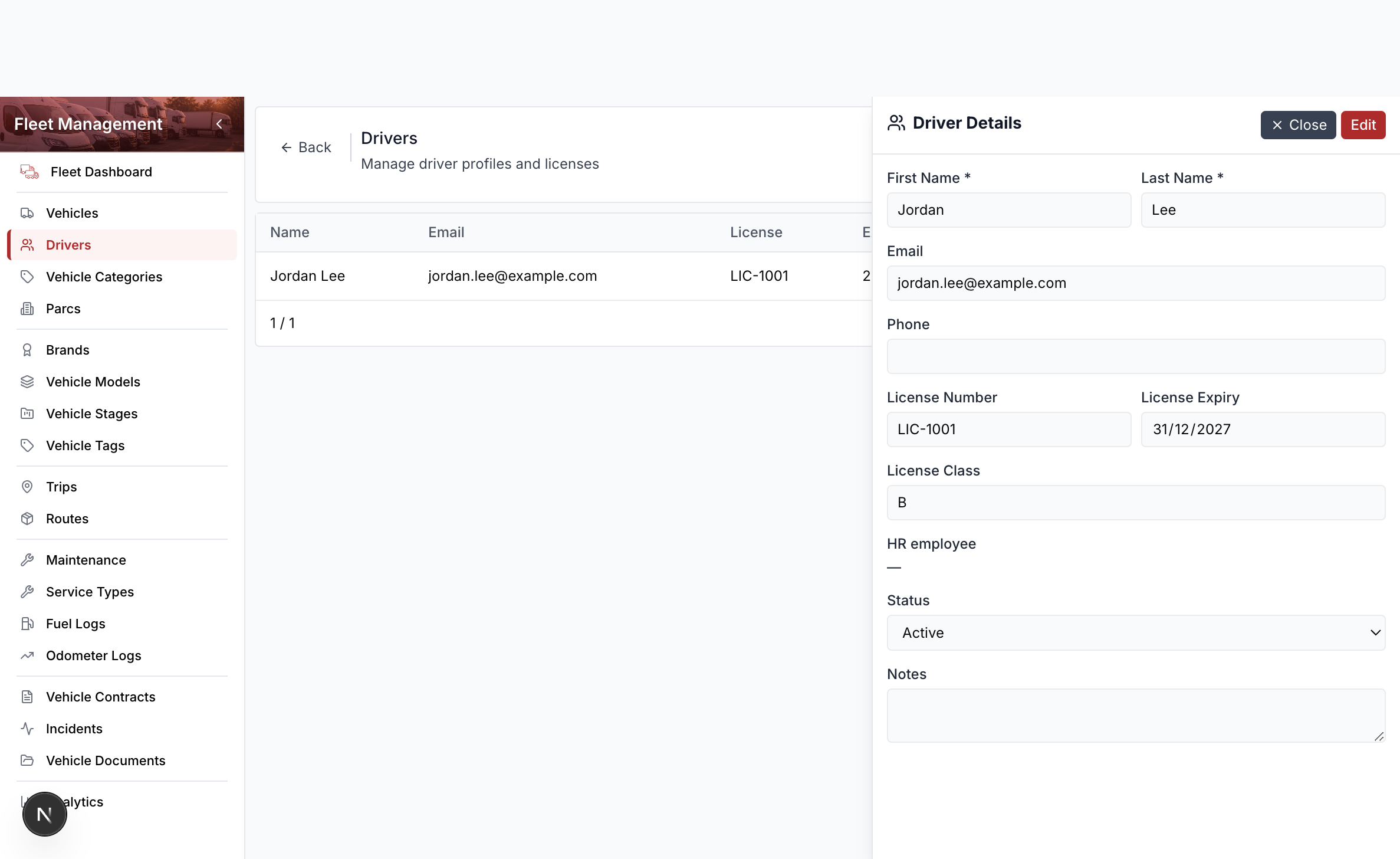
Columns include name, email, and license. Row actions are View and Edit. Delete lives in the driver drawer footer.
Add a driver
- Open Fleet Management → Drivers.
- Select Add Driver.
- Enter first name and last name (for training use
Jordan/Lee). - Enter a dummy email such as
jordan.lee@example.com. - Enter license number
LIC-1001and an expiry date. - Optionally search for an HR employee.
- Select Save.
The dashboard counts licenses that expire soon. Scheduling a trip when the license is missing or past expiry shows a warning; the trip can still be saved.
Use dummy addresses only in training (jordan.lee@example.com).