Candidate Pool
Pooled applications after sort — schedule interviews or remove from the pool.
Overview
The pool is not a second person table. It is applications with in_pool set, listed unique by email with the highest score. Path: /modules/jobs/pool.
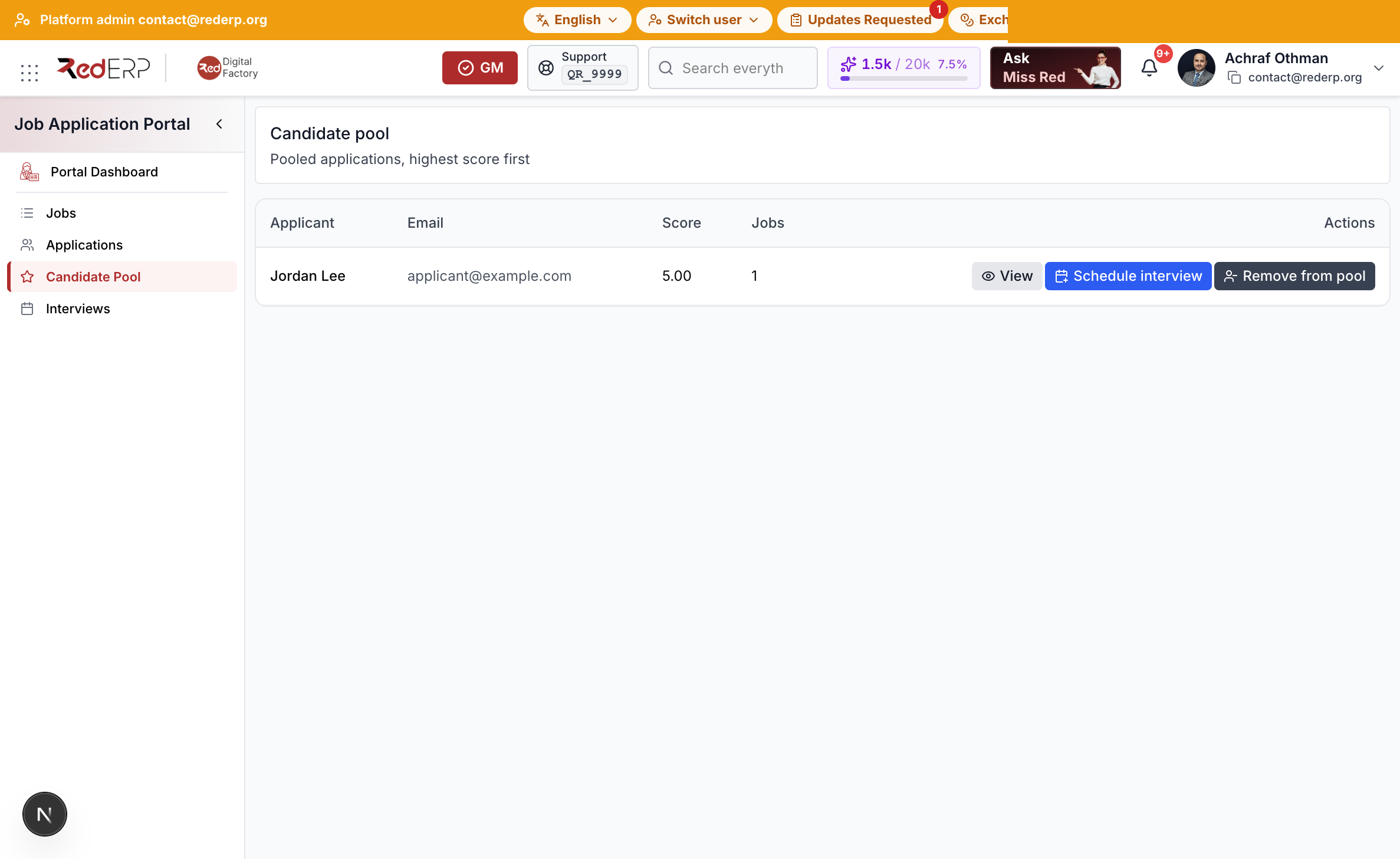
After sort
- Add people from Applications (selected or threshold).
- Open Candidate Pool.
- Select Schedule interview (datetime, mode, location or link).
- An interview is blocked until the person is in the pool, unless you override with a note.
- Remove from pool clears the flag. Hired or refused people are not added without override.