Documents & Departure
Employee documents and departure reasons.
Overview
Employee Documents attach files to a person. Departure Reasons are the catalog used when you archive an employee.
Employee Documents
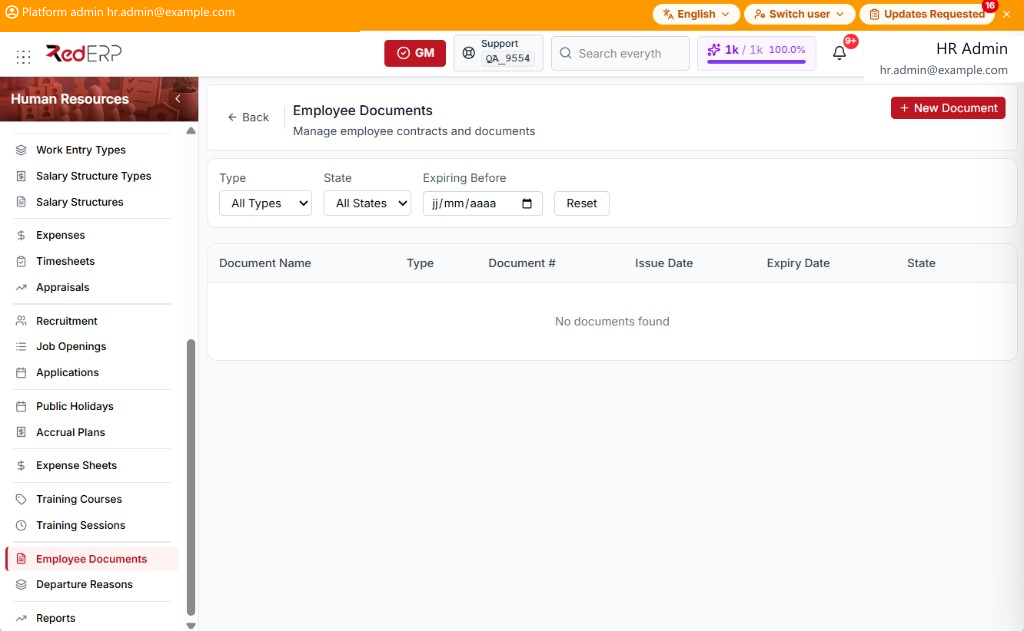
The columns are Document Name, Type, Document #, Issue Date, Expiry Date, and State. Filters are Type (All Types), State (All States), and Expiring Before, with Reset.
Type is ID Card, Passport, Diploma, Certificate, Contract, Medical, or Other. State is Valid, Expired, or Pending.
Add a document
- Open Human Resources → Employee Documents.
- Select New Document. A drawer opens: New Document.
- Enter the required Employee ID and Document Name. Optionally set Document Type, Document Number, Issue Date, Expiry Date, State, File URL, and Notes.
- Select Save, or Cancel to close the drawer.
Departure Reasons
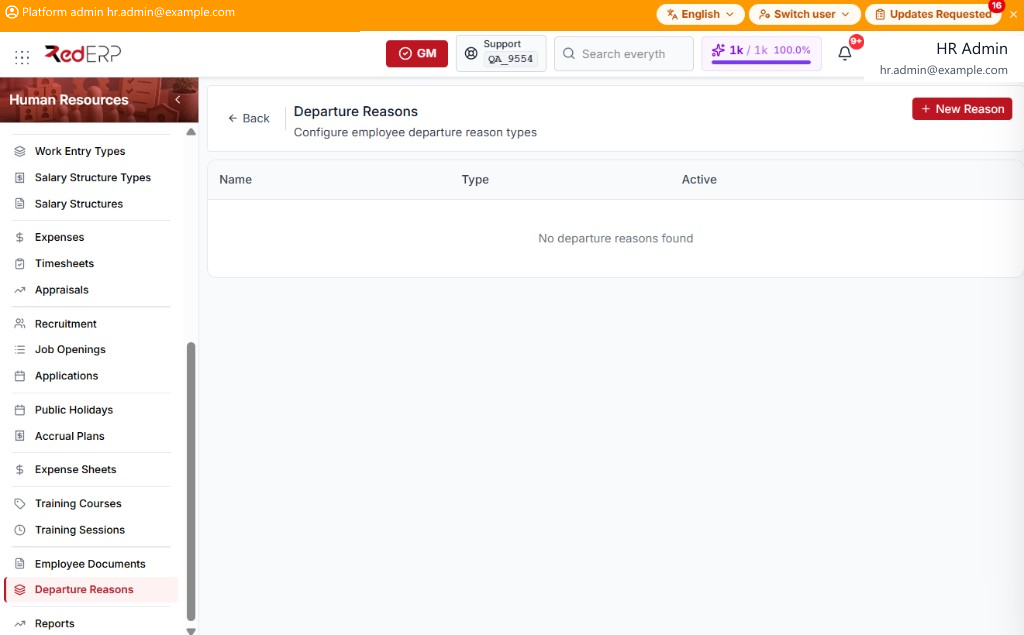
The columns are Name, Type, and Active.
Type is Fired, Resigned, Retired, Contract End, Mutual Agreement, or Other.
Add a reason
- Open Human Resources → Departure Reasons.
- Select New Reason. A drawer opens: New Departure Reason.
- Enter the required Reason Name. Optionally set Reason Type and Active.
- Select Save, or Cancel to close the drawer.
Use a reason on the employee profile Archive Employee drawer. See Employees & Departments.