Expense Sheets & Training
Expense sheets, training courses, and training sessions.
Overview
Expense Sheets group expense lines. Training Courses are the catalog. Training Sessions are scheduled dates.
Expense Sheets
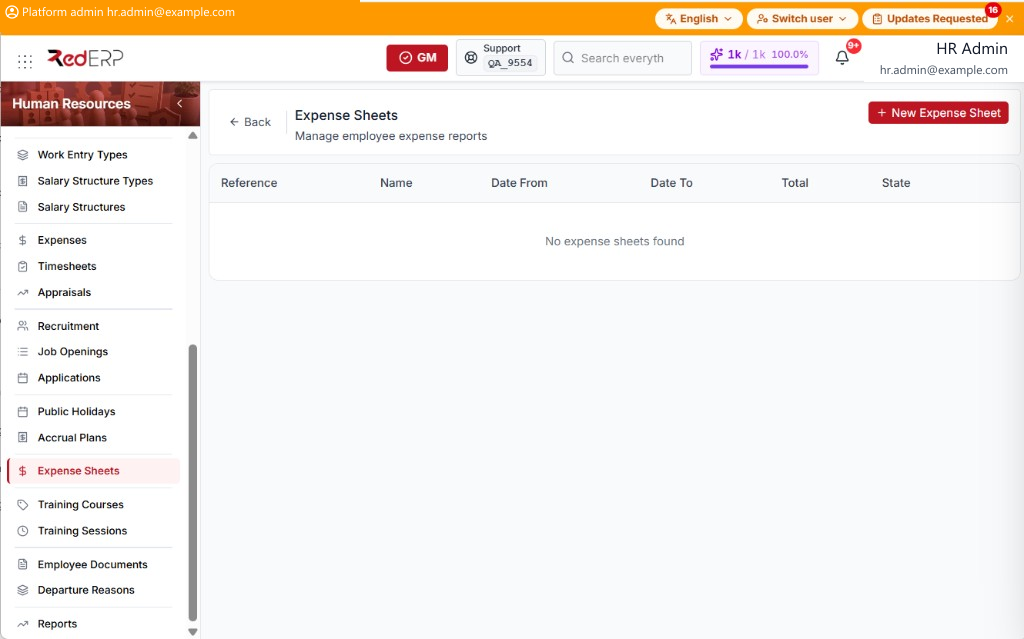
The columns are Reference, Name, Date From, Date To, Total, and State.
Add a sheet
- Open Human Resources → Expense Sheets.
- Select New Expense Sheet. A drawer opens: New Expense Sheet.
- Enter the required Sheet Name. Optionally set Date From and Date To.
- Select Save, or Cancel to close the drawer.
Single claims are on Expenses & Timesheets.
Training Courses
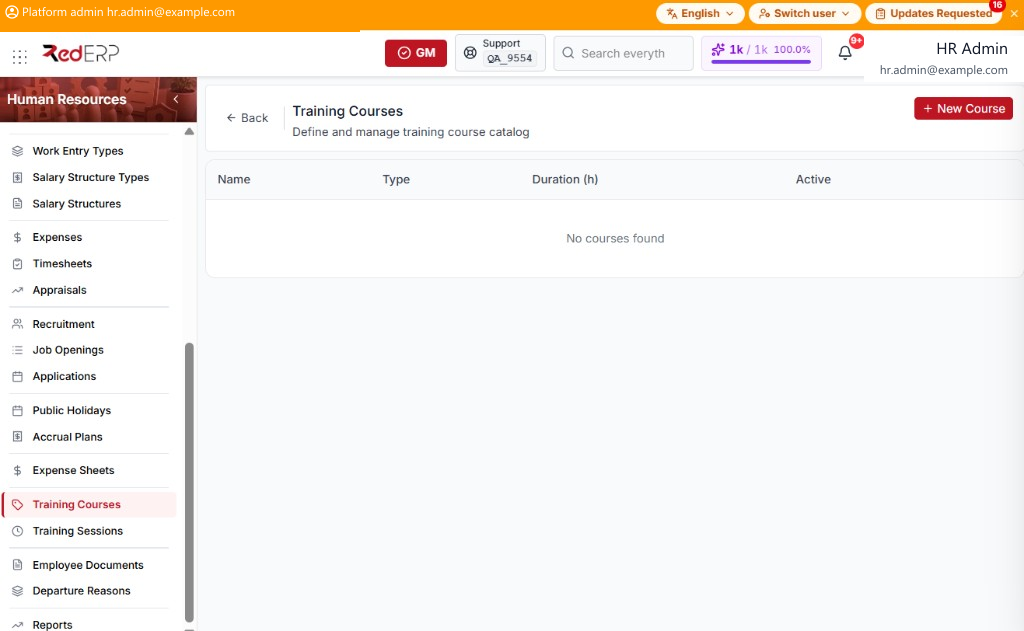
The columns are Name, Type, Duration (h), and Active.
Type is Internal, External, Online, or Certification.
Add a course
- Open Human Resources → Training Courses.
- Select New Course. A drawer opens: New Training Course.
- Enter the required Name. Optionally set Course Type, Duration (hours), Website URL, Description, and Active.
- Select Save, or Cancel to close the drawer.
Training Sessions
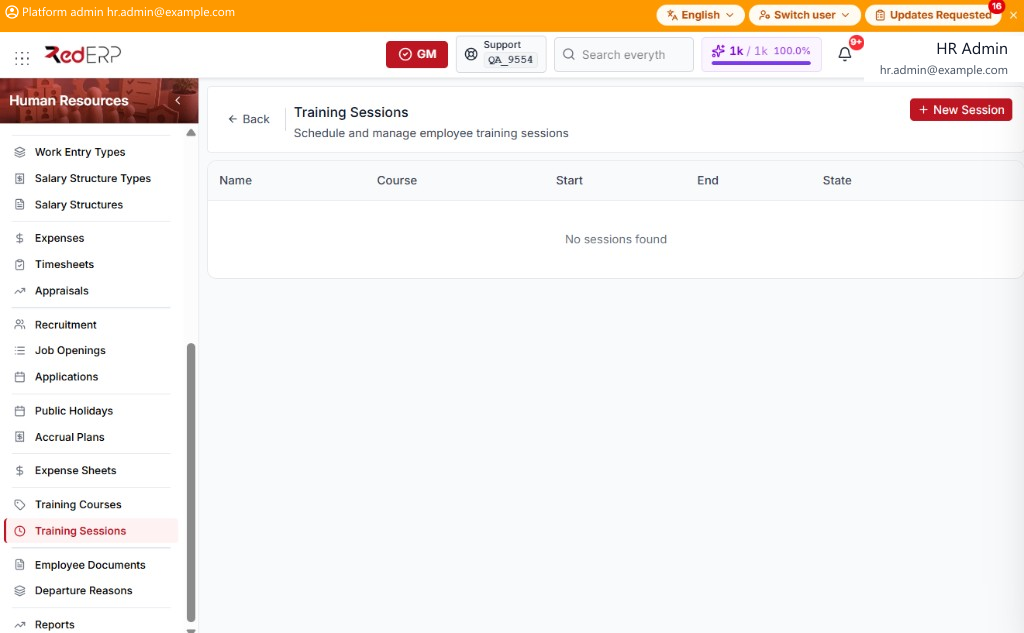
The columns are Name, Course, Start, End, and State.
Add a session
- Open Human Resources → Training Sessions.
- Select New Session. A drawer opens: New Training Session.
- Enter the required Session Name, Start Date, and End Date. Optionally set Course, Location, Trainer, Max Attendees, and Notes.
- Select Save, or Cancel to close the drawer.