Job Openings & Applications
Job openings and applications shared with the Job Application Portal.
Overview
Job Openings are vacancies. Applications are candidates on those openings. They are the same records as the Job Application Portal. The kanban is on Appraisals & Recruitment.
Job Openings
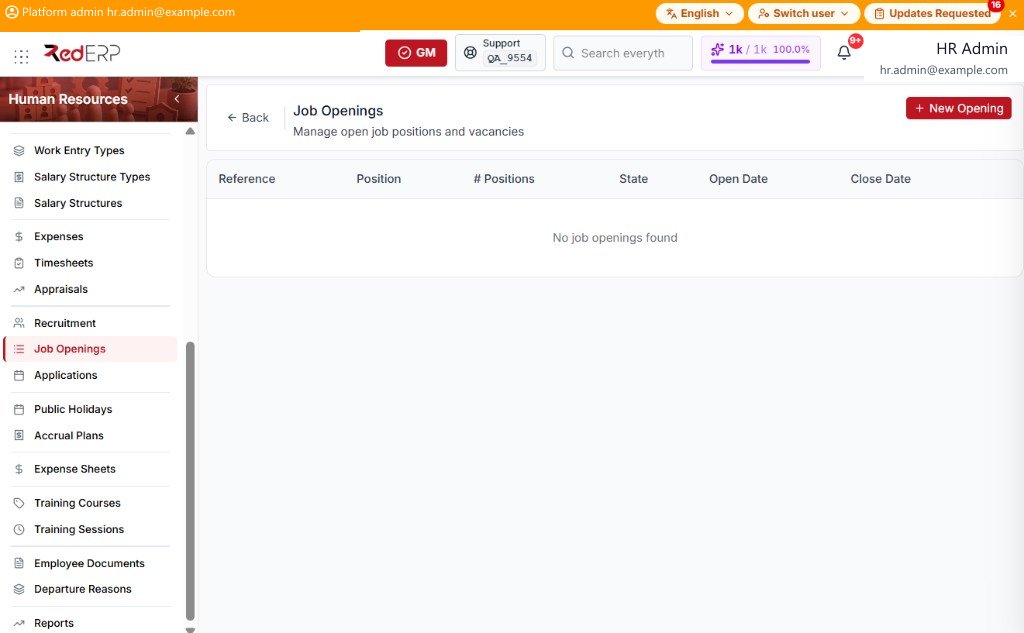
The columns are Reference, Position, # Positions, State, Open Date, and Close Date.
State is Draft, Open, or Closed. The row menu has View, Edit, and Delete; Publish on Draft; and Close on Open.
Add an opening
- Open Human Resources → Job Openings.
- Select New Opening. A drawer opens: New Job Opening.
- Enter the required Position Name. Optionally set Description, Number of Positions, Contract Type (CDI, CDD, FREELANCE, INTERNSHIP, OTHER), Open Date, and Close Date.
- Select Save, or Cancel to close the drawer.
- On a Draft opening, select Publish. On an Open opening, select Close.
View opens Job Opening Details. Select Edit.
Applications
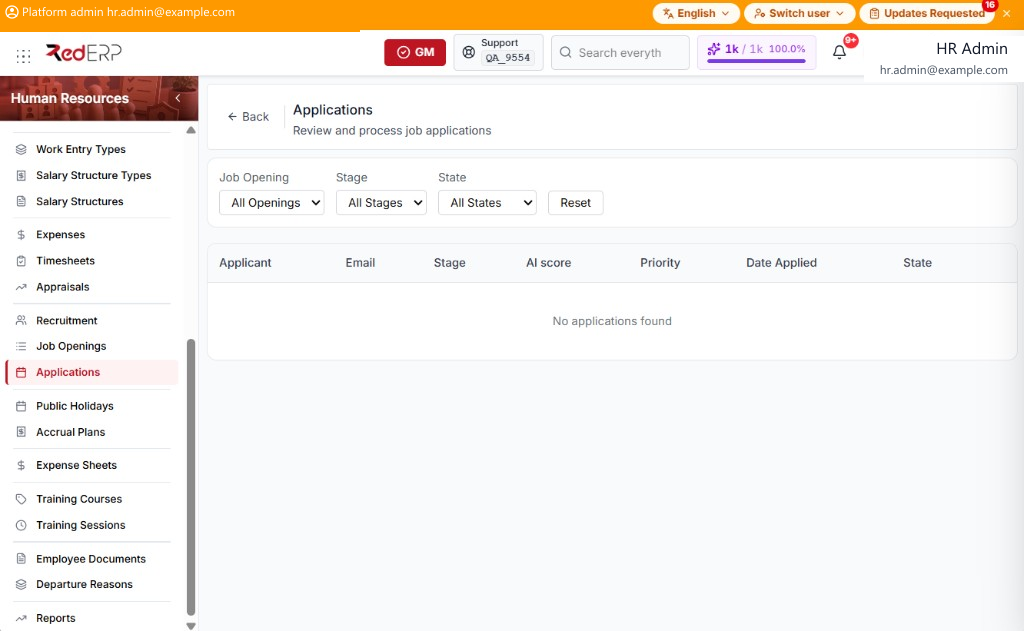
The columns are Applicant, Email, Stage, AI score, Priority, Date Applied, and State. Filters are Job Opening (All Openings), Stage (All Stages), and State (All States), with Reset.
State is New, In Progress, Offer, Hired, or Refused.
These rows are the same applications as the Job Application Portal. Use Move, Hire, and ✕ on the Recruitment kanban.