Appraisals & Recruitment
Performance appraisals and the recruitment kanban.
Overview
Appraisals store review cycles. Recruitment is the kanban of applications. Job lists live on Job Openings & Applications.
Appraisals
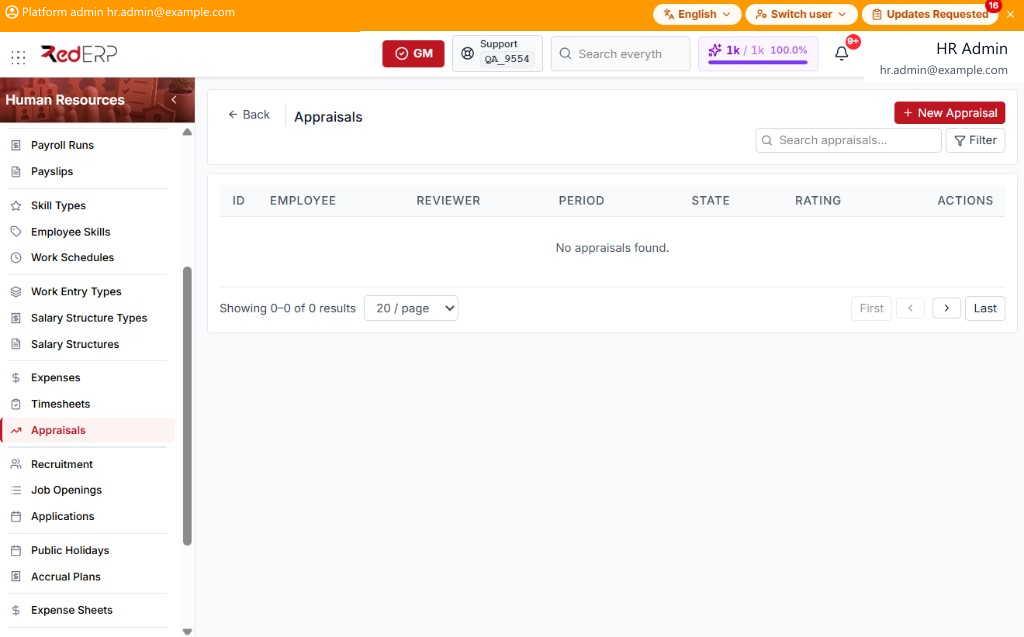
The columns are ID, Employee, Reviewer, Period, State, Rating, and Actions. Use Search appraisals.... Select Filter to show Employee, Reviewer, and State. Reset appears when a filter is set.
State is Draft, In Progress, Done, or Cancelled.
The Actions menu has View, Edit, and Delete; Start on Draft; Complete on In Progress; and Cancel on Draft or In Progress.
Add an appraisal
- Open Human Resources → Appraisals.
- Select New Appraisal. A drawer opens: Create Appraisal.
- Enter the required Employee. Optionally set Reviewer, Period, State, Open Date, Close Date, Overall Rating, Employee Notes, and Manager Notes.
- Select Save, or Cancel to close the drawer.
- On View or Edit, select Add Line. A form opens: New Line. Enter the required Criteria. Optionally set Rating and Comments. Select Save Line, or Cancel.
View opens Appraisal Details. Select Edit, or Close.
Recruitment
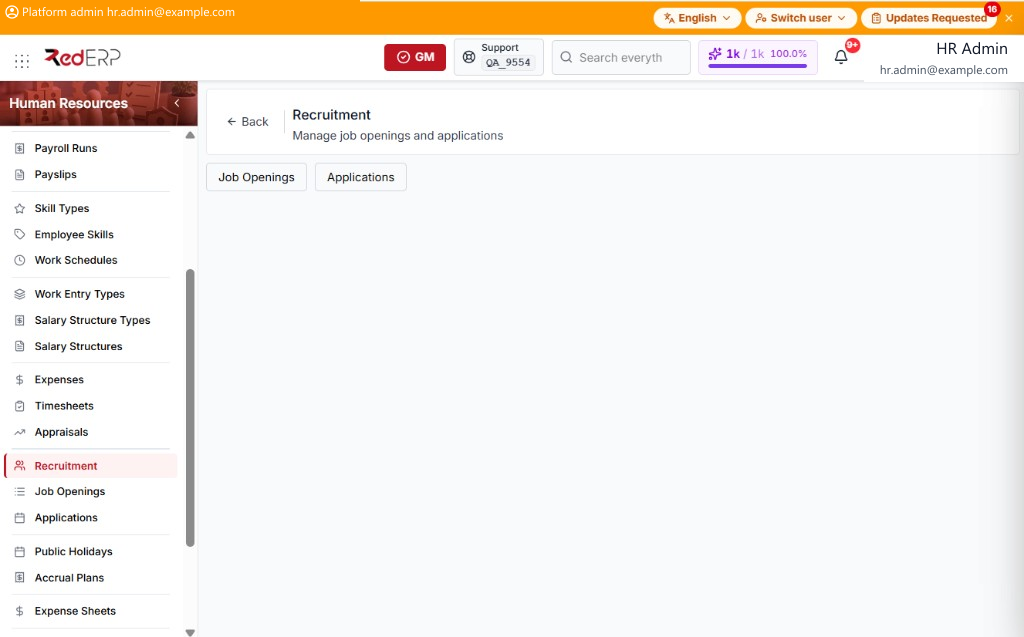
The page has Job Openings and Applications. Those buttons open the lists on Job Openings & Applications. The board below is a kanban by stage.
Cards show the applicant, State, priority stars, and Applied date.
Application State is New, In Progress, Offer, Hired, or Refused. Card actions are Move, Hire, and ✕. Hire is hidden when State is Hired. ✕ is hidden when State is Refused.
Move opens Move to Stage. Set Stage, then select Move, or Cancel.
✕ opens Refuse Reason. Enter the reason, then select Confirm Refusal, or Cancel.
These rows are the same applications as the Job Application Portal.