Public Holidays & Accrual Plans
Public holidays and leave accrual plans.
Overview
Public Holidays mark non-working days. Accrual Plans define how leave days accumulate.
Public Holidays
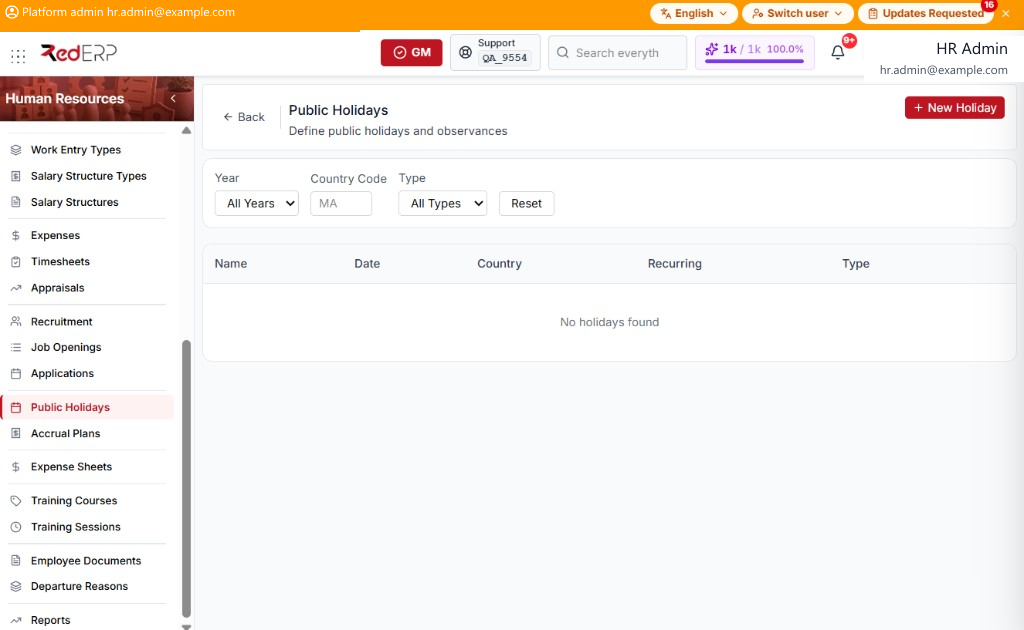
The columns are Name, Date, Country, Recurring, and Type. Filters are Year (All Years), Country Code, and Type (All Types), with Reset.
Type is Public or Company.
Add a holiday
- Open Human Resources → Public Holidays.
- Select New Holiday. A drawer opens: New Public Holiday.
- Enter the required Name and Date. Optionally set Country Code, Type (Public or Company), and Recurring Annually.
- Select Save, or Cancel to close the drawer.
Accrual Plans
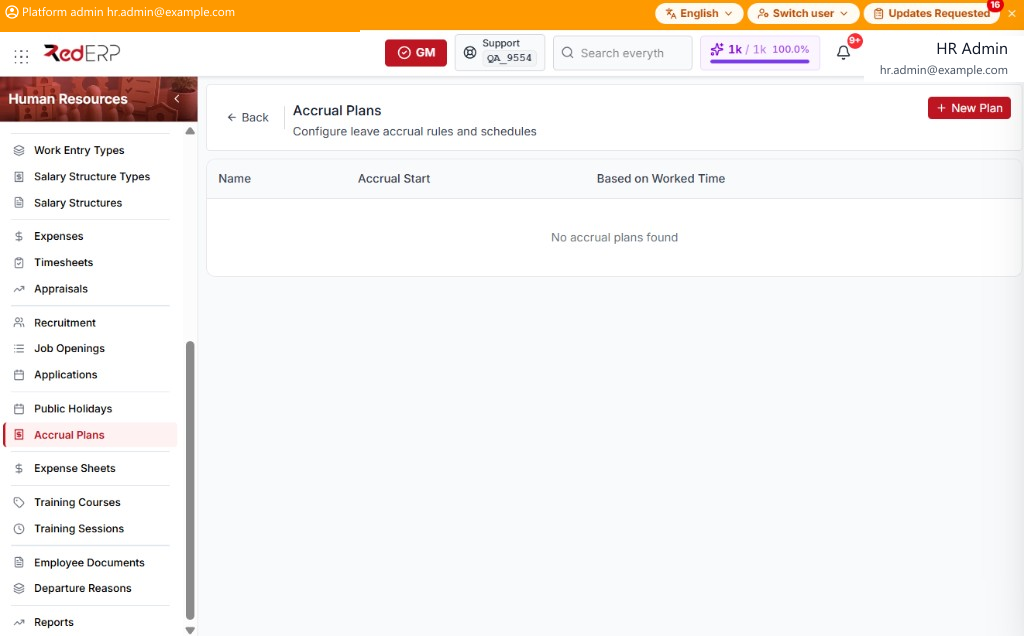
The columns are Name, Accrual Start, and Based on Worked Time.
Add a plan
- Open Human Resources → Accrual Plans.
- Select New Plan. A drawer opens: New Accrual Plan.
- Enter the required Plan Name. Optionally set Accrual Validity Start (At Allocation, Today, 1st January) and Based on Worked Time.
- Select Save, or Cancel to close the drawer.
- On Edit, select Add Level. Set Start After, Unit (Day(s), Month(s), Year(s)), Rate (days), Frequency (Daily, Weekly, Twice Monthly, Monthly, Twice Yearly, Yearly), Max Leave (days), and Unused Accruals Policy (None, All, Maximum). Select Save Level, or Cancel.