Skills & Schedules
Skill types, employee skills, and work schedules.
Overview
Skill Types are the catalog. Employee Skills attach a skill and level to a person. Work Schedules describe expected hours.
Skill Types
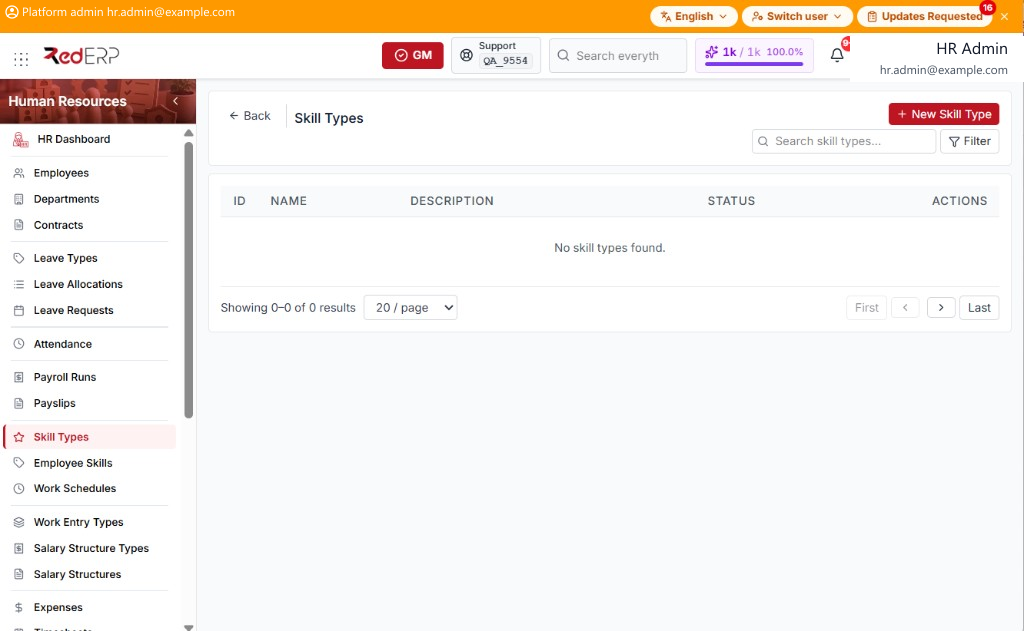
The columns are ID, Name, Description, Status, and Actions. Use Search skill types.... Select Filter to show Status. Reset Filters appears when a filter is set.
Status is Active or Inactive. The Actions menu has View, Edit, and Delete.
Add a skill type
- Open Human Resources → Skill Types.
- Select New Skill Type. A drawer opens: Create Skill Type.
- Enter the required Name. Optionally set Description and Status.
- Select Save, or Cancel to close the drawer.
Employee Skills
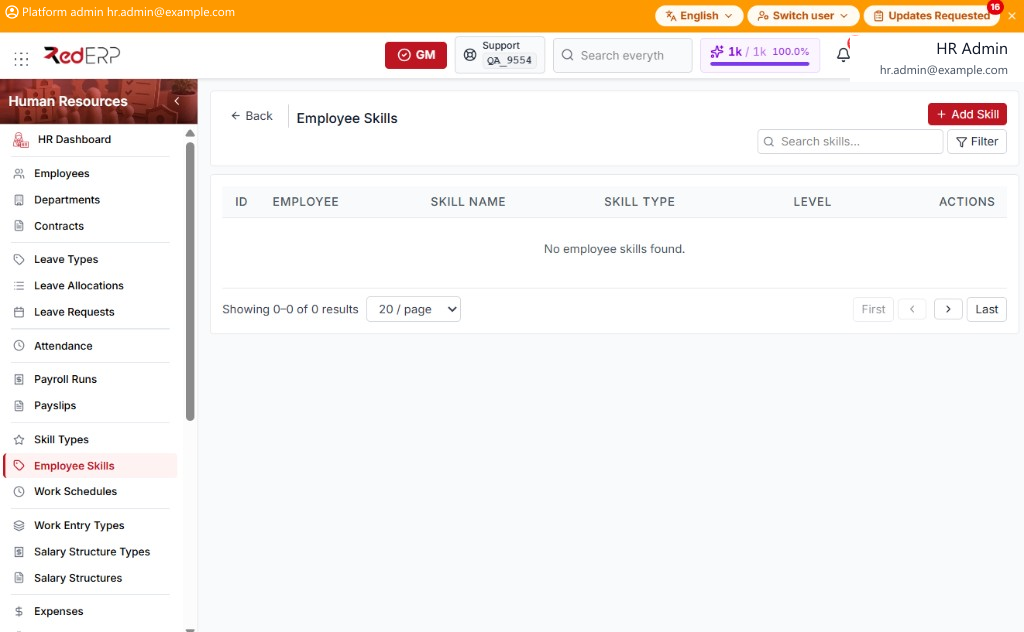
The columns are ID, Employee, Skill Name, Skill Type, Level, and Actions. Use Search skills.... Select Filter to show Employee, Skill Type, and Level. Reset Filters appears when a filter is set.
Level is Beginner, Intermediate, Advanced, or Expert. The Actions menu has View, Edit, and Delete.
Add a skill
- Open Human Resources → Employee Skills.
- Select Add Skill. A drawer opens: Add Employee Skill.
- Enter the required Employee, Skill Name, and Level. Optionally set Skill Type and Notes.
- Select Save, or Cancel to close the drawer.
Work Schedules
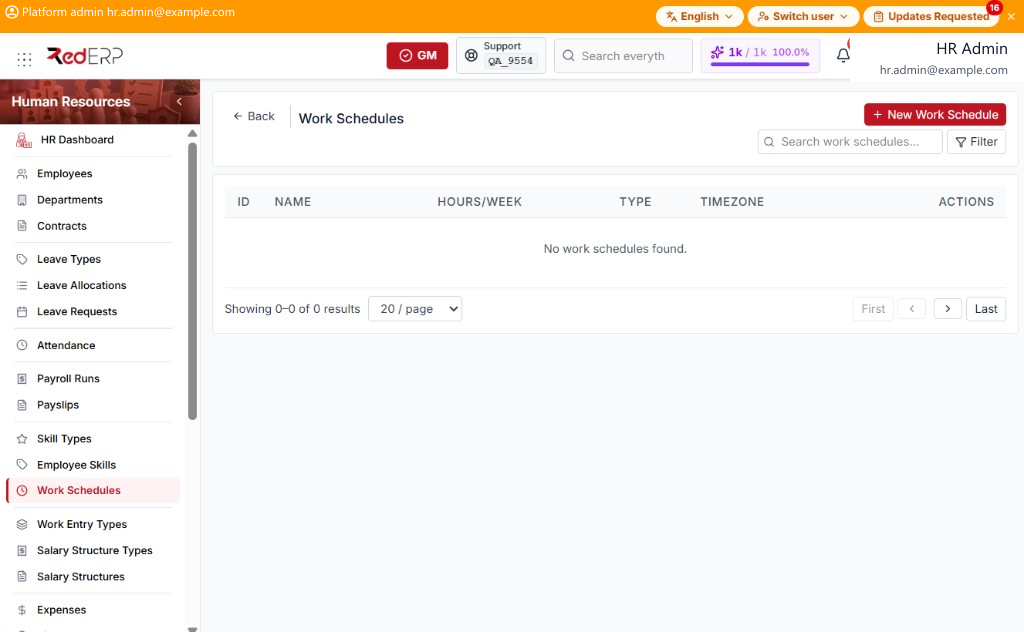
The columns are ID, Name, Hours/Week, Type, Timezone, and Actions. Use Search work schedules.... Select Filter to show Type. Reset Filters appears when a filter is set.
Type is Flexible or Fixed. The Actions menu has View, Edit, and Delete.
Add a work schedule
- Open Human Resources → Work Schedules.
- Select New Work Schedule. A drawer opens: Create Work Schedule.
- Enter the required Name and Hours per Week.
- Optionally set Flexible Schedule, Timezone, and Notes.
- Select Save, or Cancel to close the drawer.