Contracts
Employee contracts used by payroll compute.
Overview
A contract stores the employee, dates, wage, type, and state.
Contracts
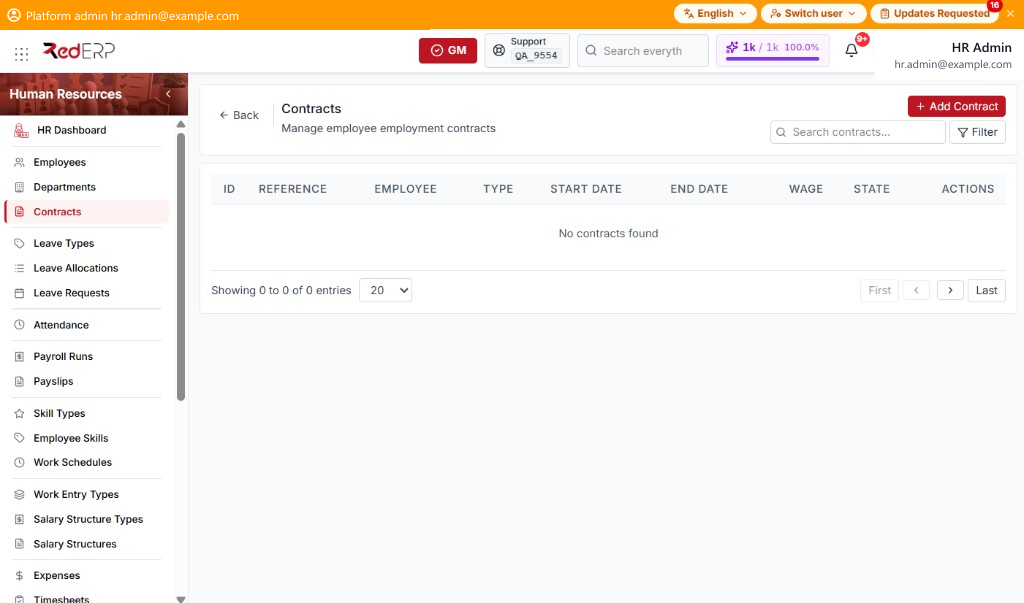
The columns are ID, Reference, Employee, Type, Start Date, End Date, Wage, State, and Actions. Use Search contracts.... Select Filter to show Contract Type and State. Reset appears when a filter is set.
Type is CDI, CDD, Freelance, Internship, or Other. State is Draft, Open, Closed, or Cancelled.
The Actions menu has View, Edit, and Delete.
Add a contract
- Open Human Resources → Contracts.
- Select Add Contract. A drawer opens: Create Contract.
- Enter the required Employee and Start Date.
- Optionally set Contract Name, Contract Type, End Date, Wage, State, and Notes.
- Select Create Contract, or Cancel to close the drawer.
View, edit, or delete a contract
View opens the View Contract drawer. Edit opens Edit Contract. Delete removes the contract after confirm.