Work Entries & Salary Structures
Work entry types, salary structure types, and salary structures with rules.
Overview
Work Entry Types label time as leave or paid. Salary Structure Types set wage and pay cadence. Salary Structures hold the rules payroll can apply.
Work Entry Types
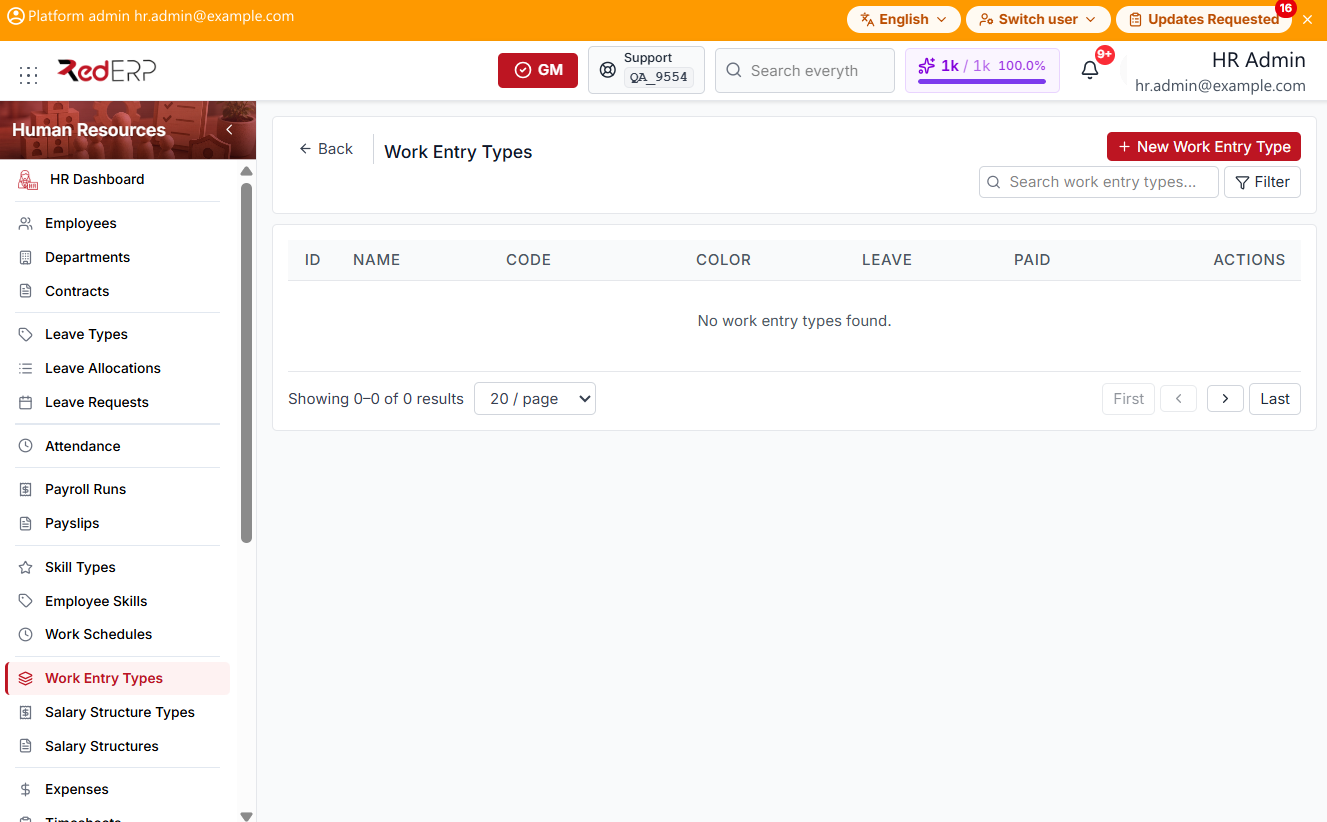
The columns are ID, Name, Code, Color, Leave, Paid, and Actions. Use Search work entry types.... Select Filter to show Leave and Paid. Reset Filters appears when a filter is set.
The Actions menu has View, Edit, and Delete.
Add a work entry type
- Open Human Resources → Work Entry Types.
- Select New Work Entry Type. A drawer opens: Create Work Entry Type.
- Enter the required Name and Code.
- Optionally set Color, Is Leave Type, Leave Type, and Is Paid.
- Select Save, or Cancel to close the drawer.
Salary Structure Types
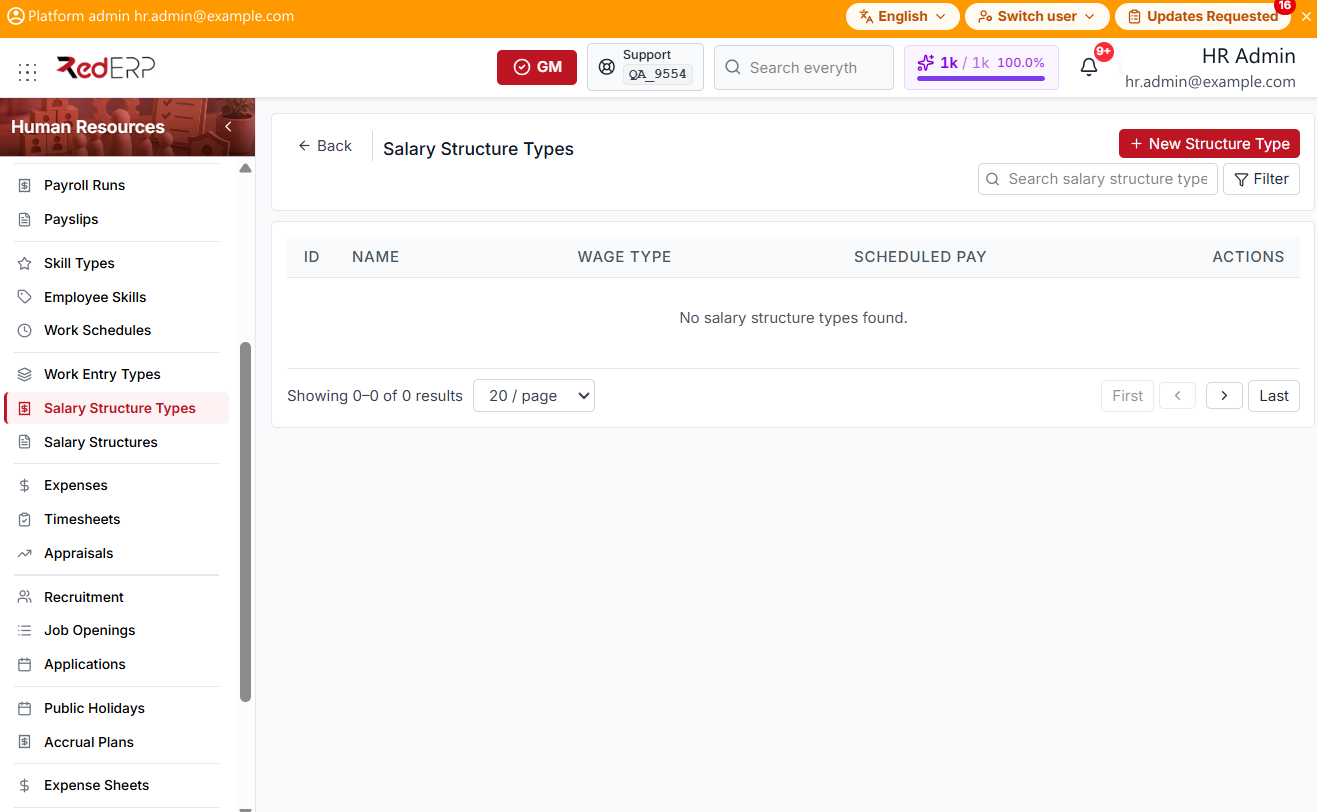
The columns are ID, Name, Wage Type, Scheduled Pay, and Actions. Use Search salary structure types.... Select Filter to show Wage Type. Reset Filters appears when a filter is set.
Wage Type is Monthly or Hourly. Scheduled Pay is Monthly, Weekly, Bi-weekly, Bi-monthly, Quarterly, or Annually. The Actions menu has View, Edit, and Delete.
Add a structure type
- Open Human Resources → Salary Structure Types.
- Select New Structure Type. A drawer opens: Create Salary Structure Type.
- Enter the required Name, Wage Type, and Scheduled Pay. Optionally set Notes.
- Select Save, or Cancel to close the drawer.
Salary Structures
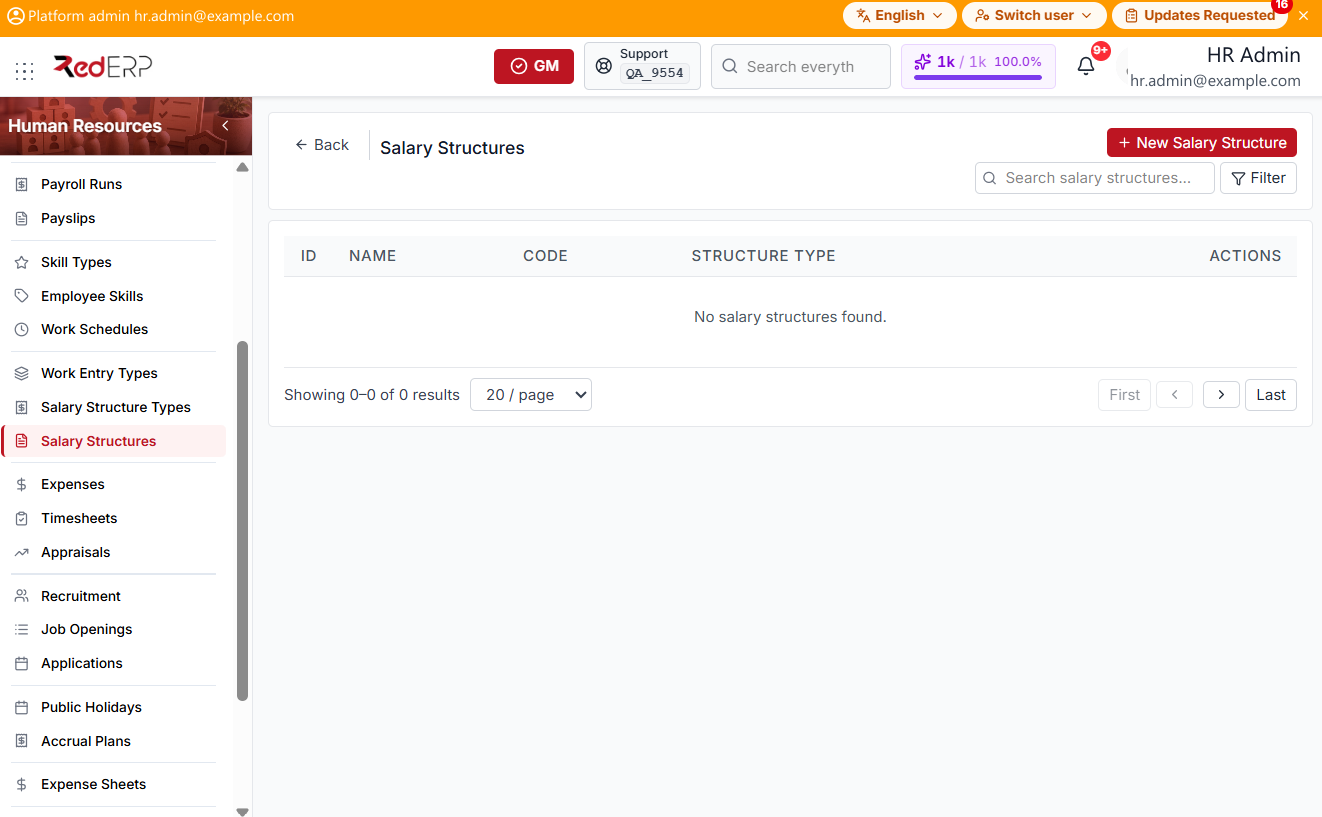
The columns are ID, Name, Code, Structure Type, and Actions. Use Search salary structures.... Select Filter to show Structure Type. Reset Filters appears when a filter is set.
The Actions menu has View, Edit, and Delete.
Add a salary structure
- Open Human Resources → Salary Structures.
- Select New Salary Structure. A drawer opens: Create Salary Structure.
- Enter the required Name. Optionally set Code, Structure Type, and Notes.
- Select Save, or Cancel to close the drawer.
- On View or Edit, select Add Rule. A form opens: New Salary Rule. Enter the required Name, Code, Category (Basic, Allowance, Deduction, Other), and Computation Type (Fixed, Percentage of, Formula). Select Save Rule, or Cancel.